
Claude Code 2.1.235 stops Shift+Tab from granting edits
Before Claude Code 2.1.235, pressing Shift+Tab in the comment field of a permission prompt didn’t just close the field. It also approved the pending edit and granted edit permission for the rest of the session. So the key you’d press to back out of a text box was acting as a blanket yes.
That fix leads the release notes on Github, published August 18, and several other changes also deal with permissions. In permission dialogs, the display text and the “don’t ask again” options now always match what a grant would cover. If a dialog can’t show the full contents of what it’s asking about, it doesn’t offer “don’t ask again” at all. Approval dialogs for deleting or replacing notebook cells used to leave out the existing cell content without saying anything when the notebook or cell couldn’t be read. They now explain why it’s missing. In dialogs generally, pressing the arrow keys and then Enter in quick succession now selects the option you moved to. Before, it selected the one that was highlighted before you moved.
Two fixes cover agents and sessions talking to each other. SendMessage, which since 2.1.232 also carries messages between your Claude sessions, now rejects a message that is too large for cross-session delivery before sending it. Until now, such messages were silently dropped. In sessions where the general-purpose agent isn’t available, the Agent tool no longer lists it as the default. A call there that leaves out subagent_type now gets an error listing the agents you can use.
The prompt cache is fixed too. If a language server disconnected or reconnected mid-session, Claude Code used to invalidate the whole prompt cache. Cloud sessions running in the background now use less memory and CPU. That includes /autofix-pr and /ultrareview. According to Anthropic’s documentation, /ultrareview sends a fleet of reviewer agents into a cloud sandbox and keeps running while you carry on in your session. The client no longer re-scans and re-renders their event streams on every update.
The release also adds an optional spellcheck setting that underlines misspelled words in the prompt input as you type. It relies on a spellchecker you’ve installed yourself: aspell, hunspell or ispell.
The terminal UI, VSCode and Remote Control get these smaller fixes:
- Nested markdown list items no longer misalign at depth 3 and deeper, and wrapped list items get a hanging indent.
- In some multi-line prompts, highlights for slash commands, keywords and mentions are no longer shifted by one or more characters.
- If you run a slash command while Claude is responding, it shows the actual characters and no longer shows HTML entities.
- After a background auto-update, the footer shows the “Update installed” restart notice again.
- When you resume or relaunch into a session that still has open tasks, the expanded task list (ctrl+t) no longer always starts collapsed.
- In Vim mode, toggling the detailed transcript (ctrl+o) or closing a panel keeps you in NORMAL mode and keeps your cursor position.
claude rcruns the same enterprise-gateway availability check as interactive startup.- In VSCode, focus no longer jumps between Claude tabs on its own when a window with several Claude panels is restored or reloaded.
In the native macOS and Linux builds, the embedded grep now fails fast on pathological patterns where it used to run out of memory. Combining -m N with -A or -C now prints the correct context lines. If you hit the context limit with auto-compact turned off, the error now tells you that and points you to /config to turn it back on.
Up next
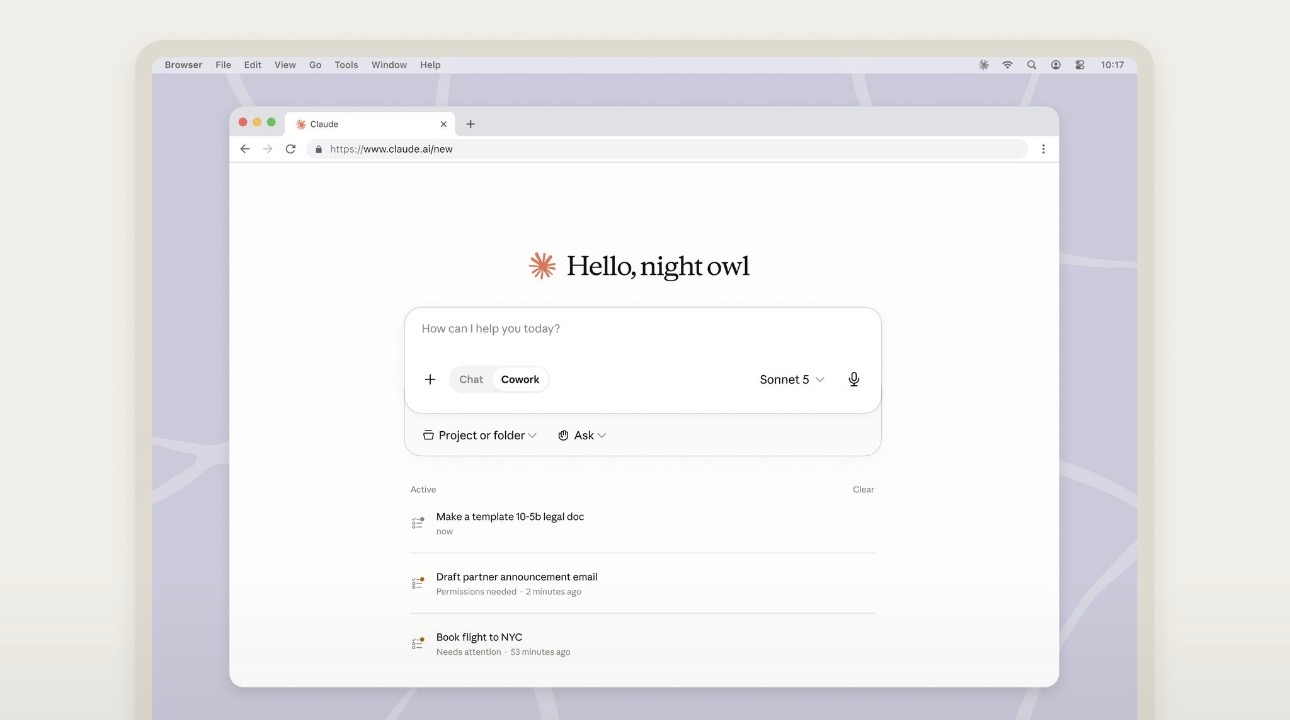
Claude Cowork opens on mobile and web for paid plans
“Now available on mobile and web for all paid plans” is how the Claude account on X described Cowork’s rollout, which brings it to a phone for anyone on a paid subscription.
Related stories
Comments
No comments yet. Be the first.
Join the conversation
Sign in to leave a comment. It appears after moderation.