
Pop-out panes surface in the Claude Code desktop app
Any pane in the Claude Code desktop app can now be pulled out into a window of its own, Anthropic’s ClaudeDevs account on X said on September 10. The post’s examples are the diff and the terminal. You can drag either one to a second screen while Claude keeps working in the main window, then dock it back whenever you want.
Pop-out windows add to the pane layout Anthropic shipped with its April 14 redesign of the desktop app. The company’s redesign article describes every pane as drag-and-drop, so you can arrange the terminal, preview, diff viewer and chat in whatever grid matches how you work. The integrated terminal arrived in that redesign, along with a diff viewer rebuilt to perform better on large changesets. Those are the two panes the post names for a second screen.
Sessions can be arranged the same way: the post says they can run side-by-side or stacked.
Up next
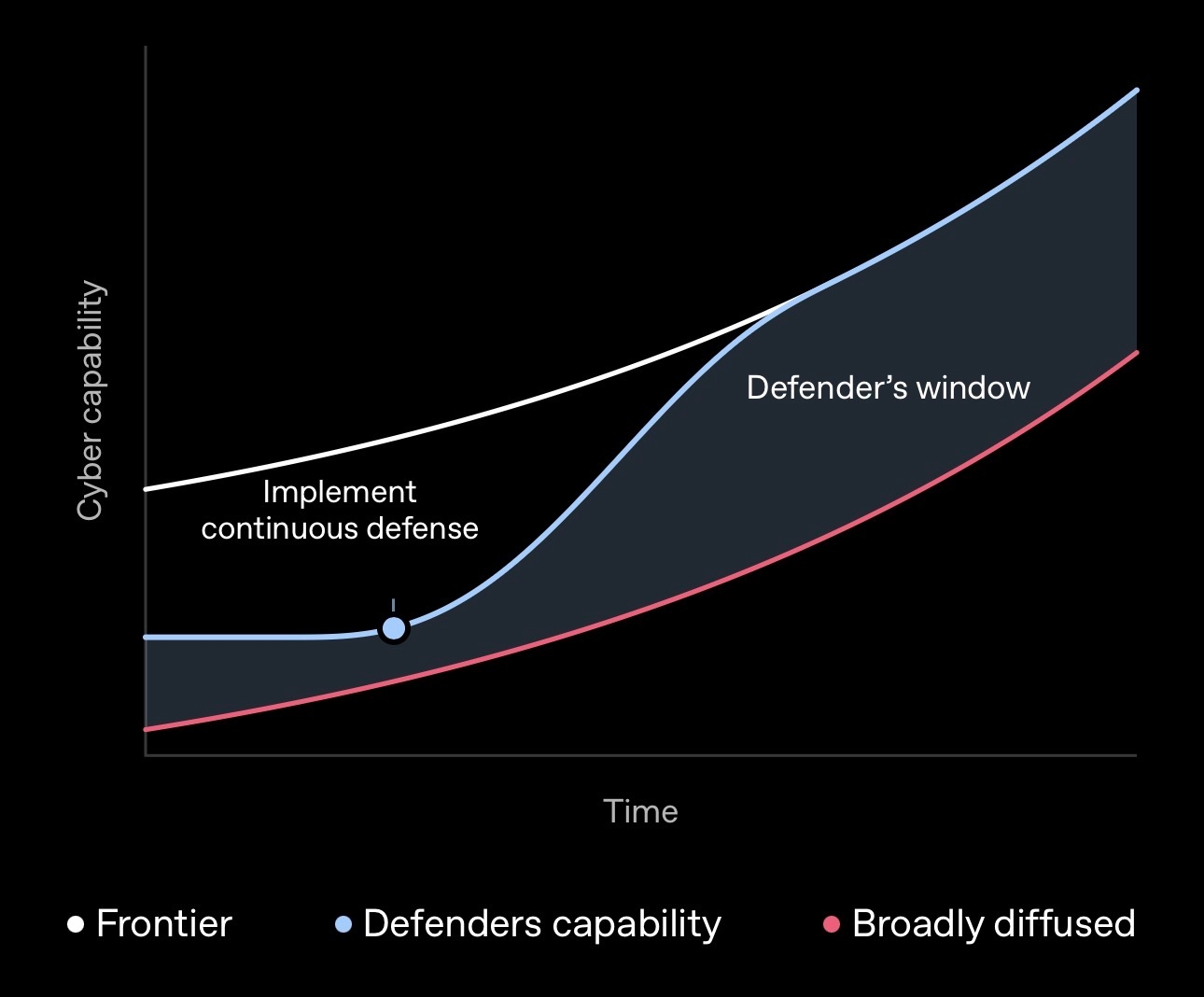
Defense Factory sets out OpenAI’s defender playbook
OpenAI’s Defense Factory blueprint went live September 9, and the July 2026 Hugging Face incident sits inside it as the precedent for putting $1 billion of subsidized Daybreak access behind frontline defenders.
Related stories
- Claude Code Remote Control starts sessions from a phone
- Claude Code may drop the folder picker at session start
- Claude Code on desktop folds an iPhone Duo to test layouts
- Claude Code 2.1.318: login expiry warning, runner log change
- Claude Code 2.1.312 stops overwriting big CLAUDE.md files
- Claude Code 2.1.311 compacts past 200K instead of stopping
Comments
No comments yet. Be the first.
Join the conversation
Sign in to leave a comment. It appears after moderation.