
Perplexity puts Claude, GPT and Gemini on one team
Perplexity on November 17 added Multiagent to Computer, its agent for research and multistep work. Multiagent is a new effort level above Ultra: a lead agent on Claude Fable 5.2 runs up to 16 agents on different frontier models, and they work in parallel, share findings and check each other’s work, the company said in its announcement on the Perplexity blog. If you’re a Max subscriber on the web and your job splits into connected parts that can run side by side, such as a deal data room review or a forecast with several scenarios, Perplexity points you to this setting. For a single question where you want independent opinions, it points you to Model Council.
Ultra had been the top of the dial since effort controls arrived on September 17 with four settings: Light, Standard, High and Ultra. On all four, one lead agent plans the task and hands parts of it to supporting agents. Multiagent uses the same lead model as Ultra and changes how the helpers work together.
Ultra, Multiagent or Model Council?
Perplexity’s own comparison sorts the three options by how the work is organized:
- Ultra: one lead delegates parts of a task to supporting agents, which report back only to the lead. Meant for open-ended problems where several approaches need testing, like evaluating a new market under different growth assumptions.
- Multiagent: agents share findings directly, check each other’s work and contribute to shared deliverables. Meant for large assignments with interconnected parts that can be worked on in parallel, like data room diligence or a financial forecast with several scenarios.
- Model Council: several models investigate the same question independently, then Computer combines their findings and shows where they agree and disagree. Meant for judgment calls.
In two of Perplexity’s examples, the output is groundwork for a human. An annual report review flags inconsistent figures or disclosures for an auditor’s review, and a tax run prepares questions and supporting analysis for a tax professional.
Testing Catalog calls Multiagent a successor to Model Council, though Model Council still sits in Perplexity’s table as a separate choice. Testing Catalog also says Multiagent works in Teammates as well as in Computer.
How the team works
By default the team mixes Claude Opus 5.5, GPT 6.1 Sol and Gemini 4 Carbon, and the lead takes on part of the work itself. You can name the models you want in your query. Fable 5.2 and GPT 6 Astra join as supporting agents only when you ask for them or when a part of the task calls for them.
The agents coordinate edits to shared files. In Perplexity’s example, one agent updates the revenue assumptions in a financial model, then tells another to use those figures in its valuation. In Perplexity’s launch video, eight agents on three models compare the risk factors in the latest 10-K filings of the 20 largest US banks with the prior year’s, and one message in their exchange reads: “Citizens is logged as a cut. It’s a rewording.”
The conversation stays with one agent. The lead remains your point of contact, brings the findings together and writes the final response, so you can steer the work without messaging each agent separately. On a follow-up, the lead tells the affected agents what has changed, and the team continues its existing work. While a task runs, you can see the agents and the models they run on, and stopping the thread stops the whole team.
Usage and limits
In the effort selector, Multiagent carries the label “Highest usage”, the same words shown under Ultra. Perplexity’s Help Center says an effort setting does not cap the number of steps Computer takes, the number of sources it reads or the tools it uses, and that it is not a spending limit. MarkTechPost‘s rundown of the launch lists Multiagent’s performance as “Not benchmarked”.
Multiagent applies to new tasks: to use it, pick it in Computer’s effort slider when you start one.
Up next
AI industryEnterprise adoption
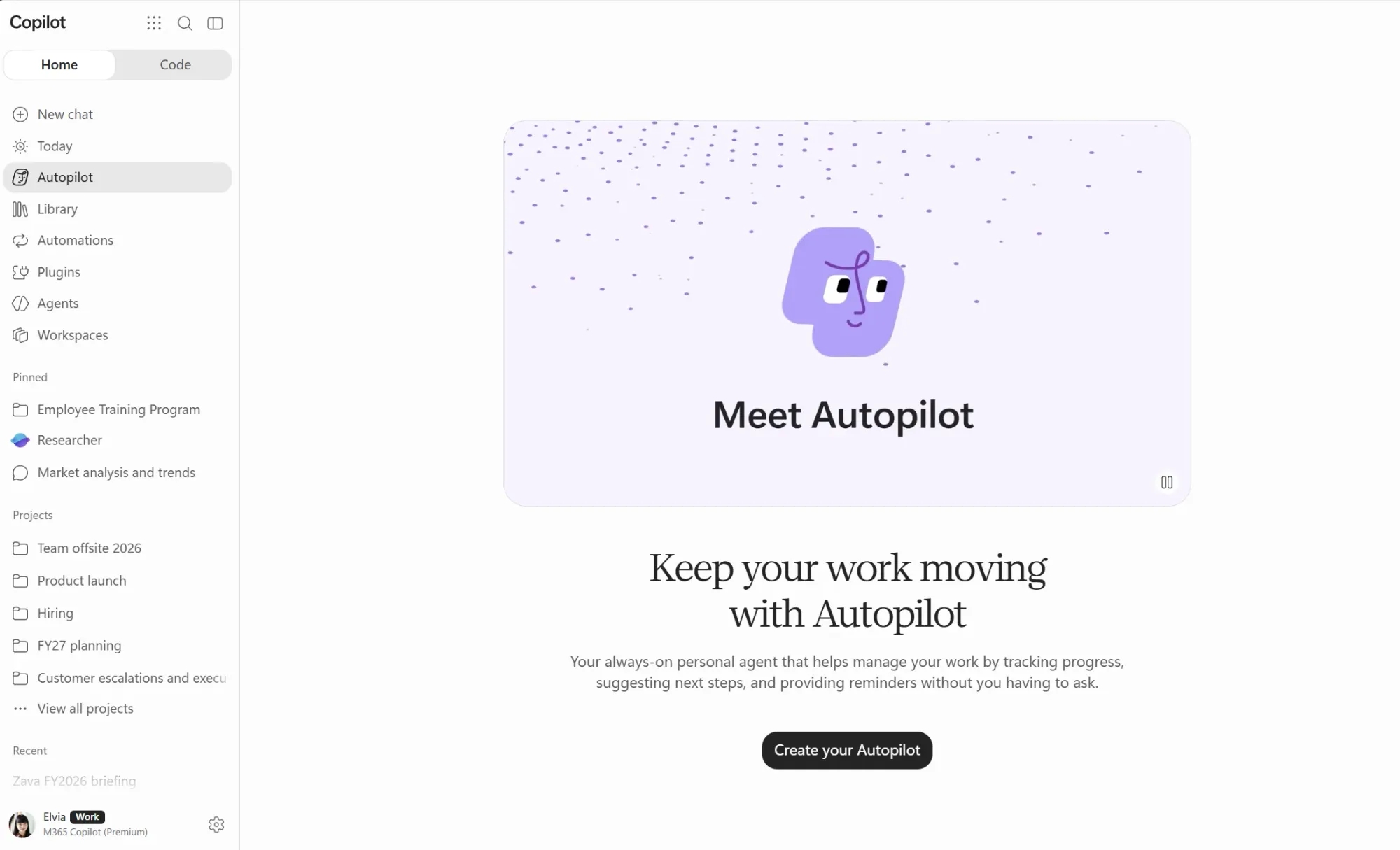
Microsoft rolls out Autopilot agent in Frontier preview
Microsoft gave its Autopilot agent its own identity in Teams and Outlook, so colleagues book meetings with it directly, and it keeps working in the cloud with your laptop shut. Would you let an agent book your meetings, or keep your calendar to yourself?
Related stories
- One dial in Perplexity Computer sets model and cost
- Replit says its agent swarm built Radar in 2 days for $3,000
- ChatGPT users in the EU report getting OpenAI’s dots
- US Pro users get ChatGPT Wallet for agent payments
- Meta’s Muse agent quietly lands in the Chrome Web Store
- Grok Bot exits beta and joins Slack, Teams and video calls
Comments
No comments yet. Be the first.
Join the conversation
Sign in to leave a comment. It appears after moderation.