
Microsoft rolls out Autopilot agent in Frontier preview
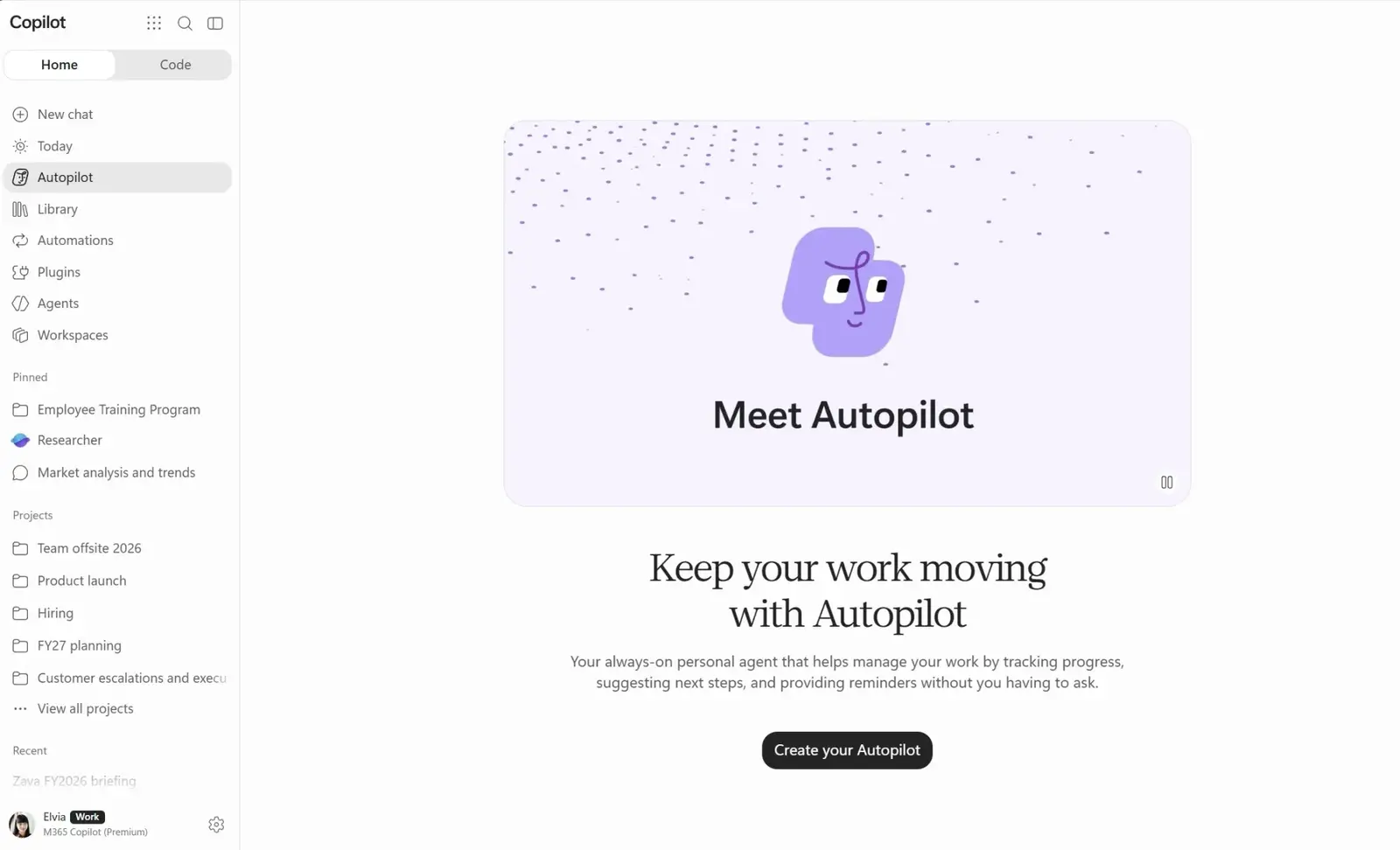
Microsoft has started rolling out Autopilot, a personal AI agent that works for one person inside Teams and Outlook. It runs in the cloud, keeps working when your laptop is closed, and can deal with your colleagues directly. Microsoft announced it at its Ignite conference on November 17 and called it a preview. For now it is available only to companies in Microsoft’s Frontier early-access program that meet a list of conditions.
Microsoft’s announcement is written in the first person by someone who uses his own Autopilot, which he named Sebastian. Autopilot is not entirely new. In September, Microsoft gave the name to Scout Agent, its earlier proactive assistant. Omar Shahine, who put the Autopilot team together, wrote on X that seven months earlier the team “had zero people and zero lines of code.”
How it works
You give an Autopilot a name, a role and a goal. Each one gets its own identity, memory, workspace and remote computer. It is built on Microsoft IQ, which connects it to your Outlook, meetings, files, chats and the people you work with, so you don’t have to link your tools or explain who everyone is. Because it remembers past work, it picks up from last week rather than starting from scratch.
Having its own identity makes Autopilot different from a chat window. It can send you an email, such as a weekly summary on Sunday, and you can reply to that email to keep the conversation going. Colleagues can book time with you by messaging your Autopilot in Teams, and it applies the scheduling preferences you have already set. You can also add it to a group chat and hand it a follow-up task. According to Windows Forum and other reports on Microsoft’s announcements, everything it does is recorded under its own agent ID, and administrators can see it.
What it does today
The examples Microsoft gives are modest. Before a trip, Sebastian blocked travel time on the calendar and removed the meetings the user picked. He cancelled only those dates and kept each recurring series, because “Clear next week” shouldn’t turn into “cancel this meeting forever.” Another time, while the user was out of the office, he wrote 40 reply drafts to unanswered Teams conversations and sorted them by priority in a private queue. The replies stayed drafts until the user decided what to send.
The bigger goal is handing over a whole job, such as “get me to Ignite and back”: flights, hotel, registration, meetings at the event, follow-ups afterwards and the expense report. Microsoft calls this an ambition. The author says they are still working out what it takes to make it dependable. “Preparing a reply and sending it are different things,” he writes.
Who can get it
To be eligible, a company must be enrolled in Frontier, have a Copilot license, have usage-based billing turned on and have the required management and security tools in place. Organizations can add their own controls over access and sensitive data through Microsoft Agent 365, which Microsoft describes as the place to monitor and manage all of a company’s AI agents. Microsoft says it will use the preview to refine these requirements before a wider release.
What isn’t known
i10X News points out that pricing is unclear. Microsoft’s Ignite materials say some recurring features use Copilot credits, but there is no full price list. It is also unknown when Autopilot will leave Frontier and reach all customers, and how well it handles long tasks outside Microsoft’s own demos. Personal Autopilots are also coming to Copilot Workspaces, but Microsoft has said only that they are “coming soon.” Meanwhile, Microsoft is giving the technology behind Autopilot to other agents, including its Sales Development Agent and agents built in Copilot Studio. Those agents can get their own email address and their own Microsoft 365 resources.
Up next

Anthropic paid $740,000 to a firm led by Rubio’s ex-aide
Federal filings show Anthropic paid $740,000 since April 2025 to a lobbying firm run in Washington by Marco Rubio’s former Senate chief of staff, which lobbied offices Rubio now runs.
Related stories
- Microsoft Copilot gets a Code mode on GitHub Copilot tech
- Microsoft’s MAI Code 2 claims 96% of Opus 5.5 at 5% of price
- Claude signs user logins so plugins auto-connect, in beta
- Claude gets write access to Microsoft 365 on Dec 9
- Claude Code stops wiping .env files
- Replit says its agent swarm built Radar in 2 days for $3,000
Comments
No comments yet. Be the first.
Join the conversation
Sign in to leave a comment. It appears after moderation.