
New GPT-6.2 Sol in ChatGPT, dots reach Europe
OpenAI is rolling out a new version of GPT-6.2 Sol in ChatGPT’s Chat tab, tuned for everyday conversation, the company said on Monday in a post from the ChatGPT account on X. The same day, dots, OpenAI’s always-on agents, began showing up for users in the EU, Testing Catalog reports. European users had been left out when dots first launched.
Who gets the new Sol
The update is going to Plus, Pro, Business and Enterprise users. It only touches the Chat tab: the models behind Work and Codex stay the same.
According to ChatGPT, the new Sol is “much better at handling complex requests”, especially when you give it detailed instructions or ask it to find information online. OpenAI’s release notes add that it reads images more accurately and knows when to offer a follow-up, such as setting up an alert when a price drops.
Dots reach Europe
Dots are agents that keep working on your tasks between conversations. Each one runs on its own cloud computer, and you choose which apps it can use. You can also set rules that let it take certain actions on its own, require your approval for others, or block them entirely.
OpenAI announced dots at its DevDay on September 29, for Pro and Business Premium subscribers. At launch, OpenAI’s help center left out Pro users in the European Economic Area, Switzerland and the UK, while Business Premium users there had access from the start. In mid-November a social media post said many ChatGPT users in the EU were reporting getting dots, though that post’s author hadn’t received them himself. Now Testing Catalog says its own account in the EU has a dot. Over the same week, OpenAI also started testing dots with a small number of Plus subscribers.
Users on X have also spotted a travel mode, which keeps a dot working while its owner is abroad.
A new design
Testing Catalog got the EU dot together with a new ChatGPT design. It is switched on with a “New ChatGPT design” toggle in settings. The design adds a new home screen and a dedicated tab for the dot right next to Home. Space, Projects, Images, Scheduled, Codex, Plugins and Sites sit in a grid and can be pinned to the tab bar.
The pinning is easy to miss. As one user, Peter Yang, pointed out on X, getting Codex threads back into the mobile app’s bottom bar means going to the rightmost tab and holding Codex to pin it, and that “isn’t obvious at all.” Codex Pets can also be used as dot avatars.
Up next
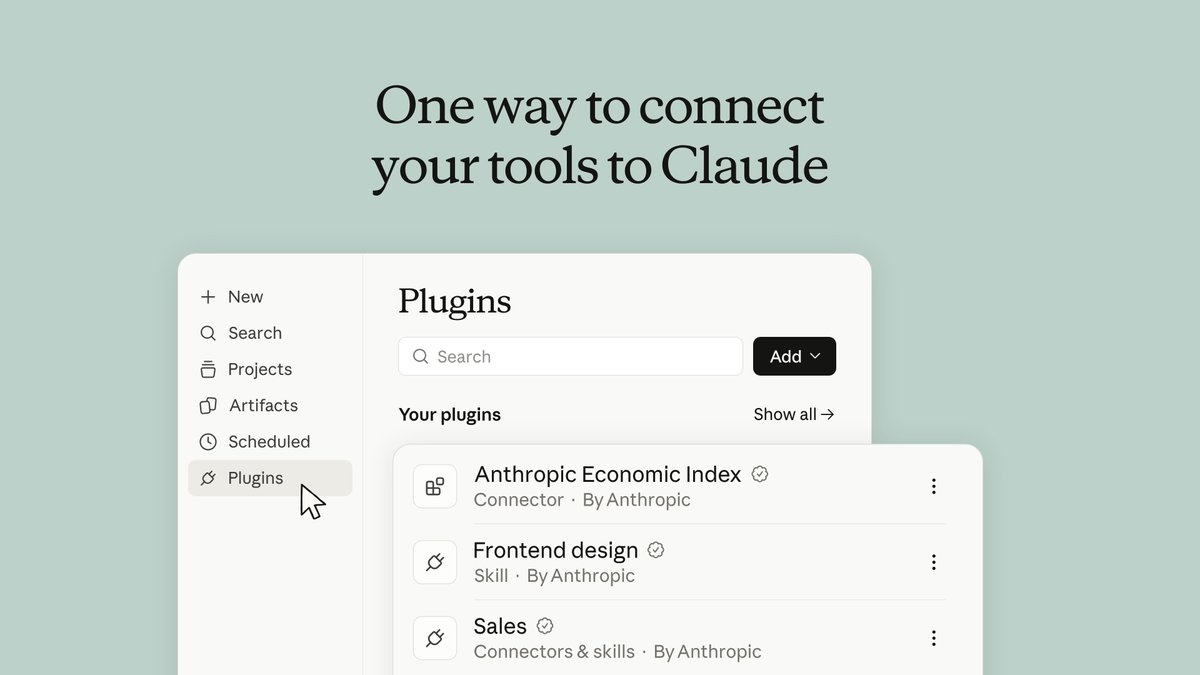
Claude merges connectors and skills into plugins
Claude’s connectors and skills are now one thing: plugins, with 10,000+ to browse. Live on Free, Pro, Max and Ultra; Anthropic says Team and Enterprise come soon. Which plugin would you install first: a tool connection or a new skill?
Related stories
Comments
No comments yet. Be the first.
Join the conversation
Sign in to leave a comment. It appears after moderation.