
Concise output style lands in Claude Code

Claude Code now has a Concise output style. Anthropic announced it in an August 20 post on Twitter: Claude puts the result first, keeps replies short, and still gives full detail when you ask for it.
Anthropic’s documentation describes an output style as a set of instructions that applies to every response in a session. It sets Claude’s role, tone and response format, so you don’t have to ask for them in each prompt. The docs list Concise as one of four built-in styles, along with Proactive, Explanatory and Learning, and say each one keeps the default software-engineering instructions and adds its own on top. Default, as the docs define it, means no style is selected, and Claude works from its standard system prompt with nothing added.
Under Concise, the first sentence of a response says what happened or what the answer is. Claude drops the lead-in, the step-by-step narration of what it did and the closing recap. A simple question gets an answer of one to three sentences. Only the reporting gets shorter: the docs say Claude does the engineering work as thoroughly as it does under Default, and recommend the style for when default responses run longer than you want.
Anthropic’s docs also list what stays at full length. If you ask for an explanation or more detail, Claude writes it out in full. Error reports, failing test output, security warnings and confirmations before destructive actions keep their complete content.
The lineup used to be shorter. In August 2025 the built-in options were Explanatory and Learning. Learning leaves TODO(human) markers in the code for the developer to fill in. Guides from that time showed switching styles with commands like /output-style explanatory, and the /output-style command still reaches output styles. Anthropic’s GitHub repo also has a plugin that rebuilds what it calls the “deprecated Explanatory output style” as a SessionStart hook, in place of the old outputStyle setting, and it warns that the extra instructions cost tokens. The current docs still list Explanatory as a built-in style.
To turn Concise on, open /config and go to Output style, or set "outputStyle": "Concise" in settings.json. Anthropic’s docs say the style requires Claude Code v2.1.237 or later.
Up next
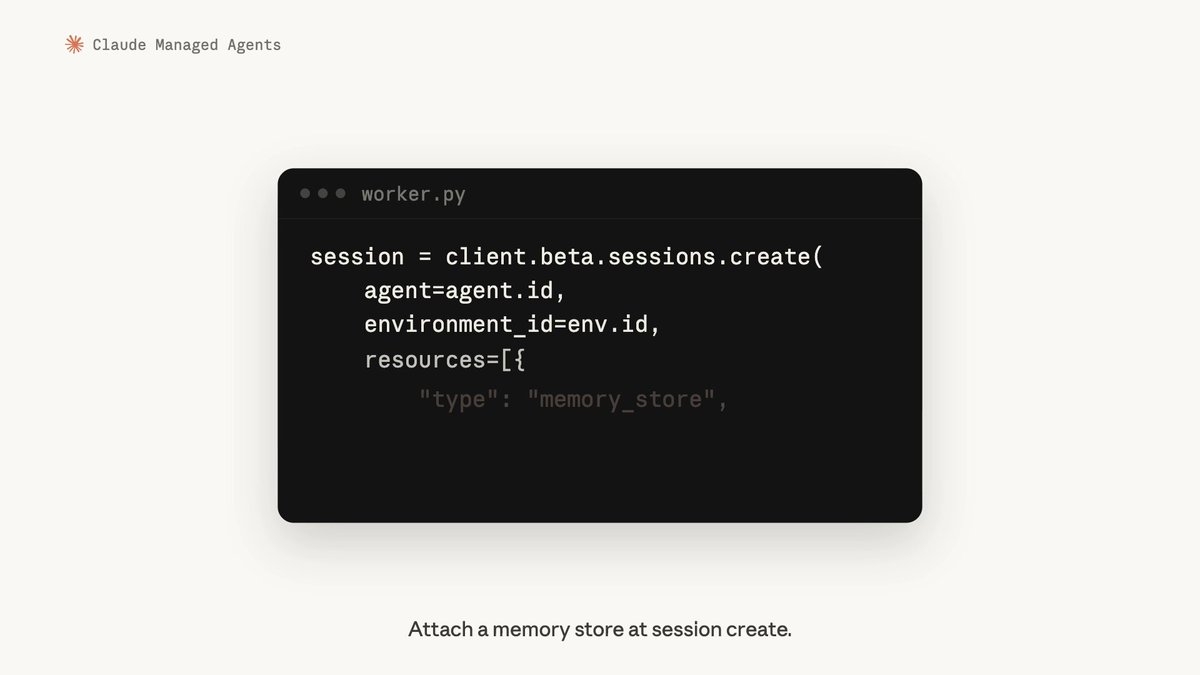
Memory reaches Self-Hosted Sandboxes in Managed Agents, Video
Cost in dollars per thread and per session now shows up in the Console viewer for Claude Managed Agents, redesigned for multi-agent runs with a minimap that gives each agent its own lane.
Related stories
- Claude Code plugins become Claude Mods, shipping in weeks
- No multiplayer in Claude Code Projects yet, Anthropic says
- Claude Code on Pro lists Haiku 5.5 as the recommended default
- Claude Code on Opus 5.5 refuses to clone existing games
- Your claude.ai skills follow you into Claude Code 2.1.275
- Claude Code projects can burn your limits faster
Comments
No comments yet. Be the first.
Join the conversation
Sign in to leave a comment. It appears after moderation.