
Google Docs opens .md files without converting them
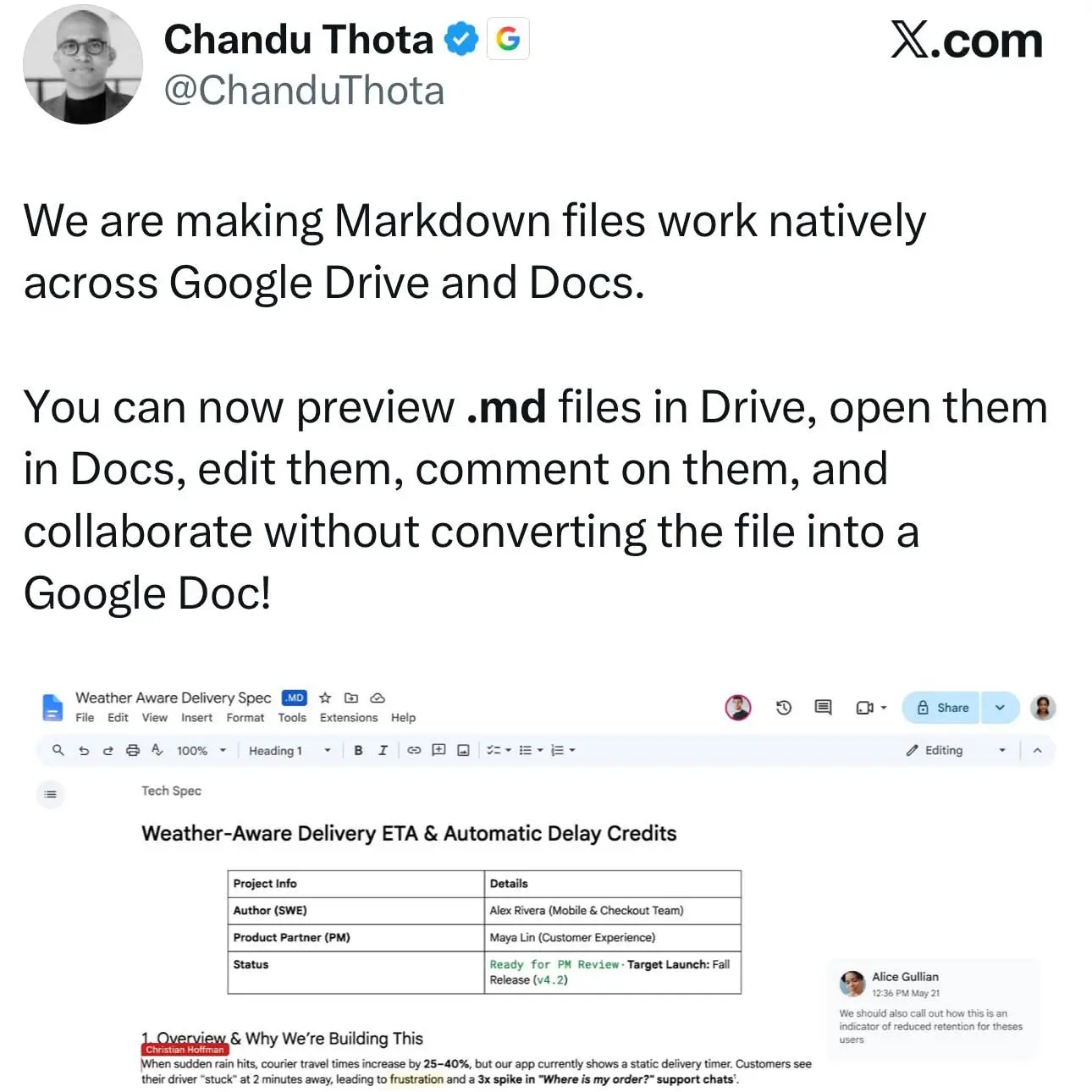
Google on October 5 added native Markdown support to Google Drive and Google Docs. A .md or .markdown file now opens in Docs, where you and your colleagues can edit it together, and it stays a Markdown file. Google says the file does not become a Google Docs file. People can still leave comments on it in Docs, as they would on a regular document.
The author of a post on Threads that flagged the change linked it to agents: “Markdown files is already a default way to exchange context and instructions with AI agents.”
Until now, Markdown in Docs always meant converting the file. On July 16, 2024, Google’s Workspace Updates blog announced four ways to do it. You could paste Markdown and have it converted into Docs content, copy Docs content as Markdown, download a Doc as Markdown through File > Download, and import a Markdown file as a Doc through File > Open or “Open with Google Docs” in Drive. Import and export were on by default. Copy and paste stayed off until you turned them on under Tools > Preferences > Enable Markdown. Before that, in 2022, Google had expanded support for writing with Markdown in Docs on the web.
Each of those paths gave you a second file. Importing produced a Google Doc, and exporting produced a fresh .md, while the original sat untouched somewhere else. Google’s own example in 2024 was developers working on software documentation in Docs and then exporting it as Markdown for other tools. The new support finally reduces that round trip to a single file that everyone edits and comments on in place.
Drive gets its share too. It now shows previews of Markdown files, with headings, tables and clickable links rendered, so you can read a file before opening it in the editor.
The agent angle from the Threads post probably matters most where agents already have write access to Drive. Paid Claude plans got Drive file management in August, for example. If an agent writes an .md file, a person can now review and comment on that same file in Docs, and the agent can pick it up afterwards without anyone converting it back.
In 2024, Google’s Markdown features took up to 15 days to show up for users. Rollout began on July 16 for Rapid Release domains and on July 31 for Scheduled Release domains.
Once the feature reaches your account, there are three steps: upload the .md file to Drive, open it in Docs, then edit and comment. The file in Drive stays in Markdown.
Up next
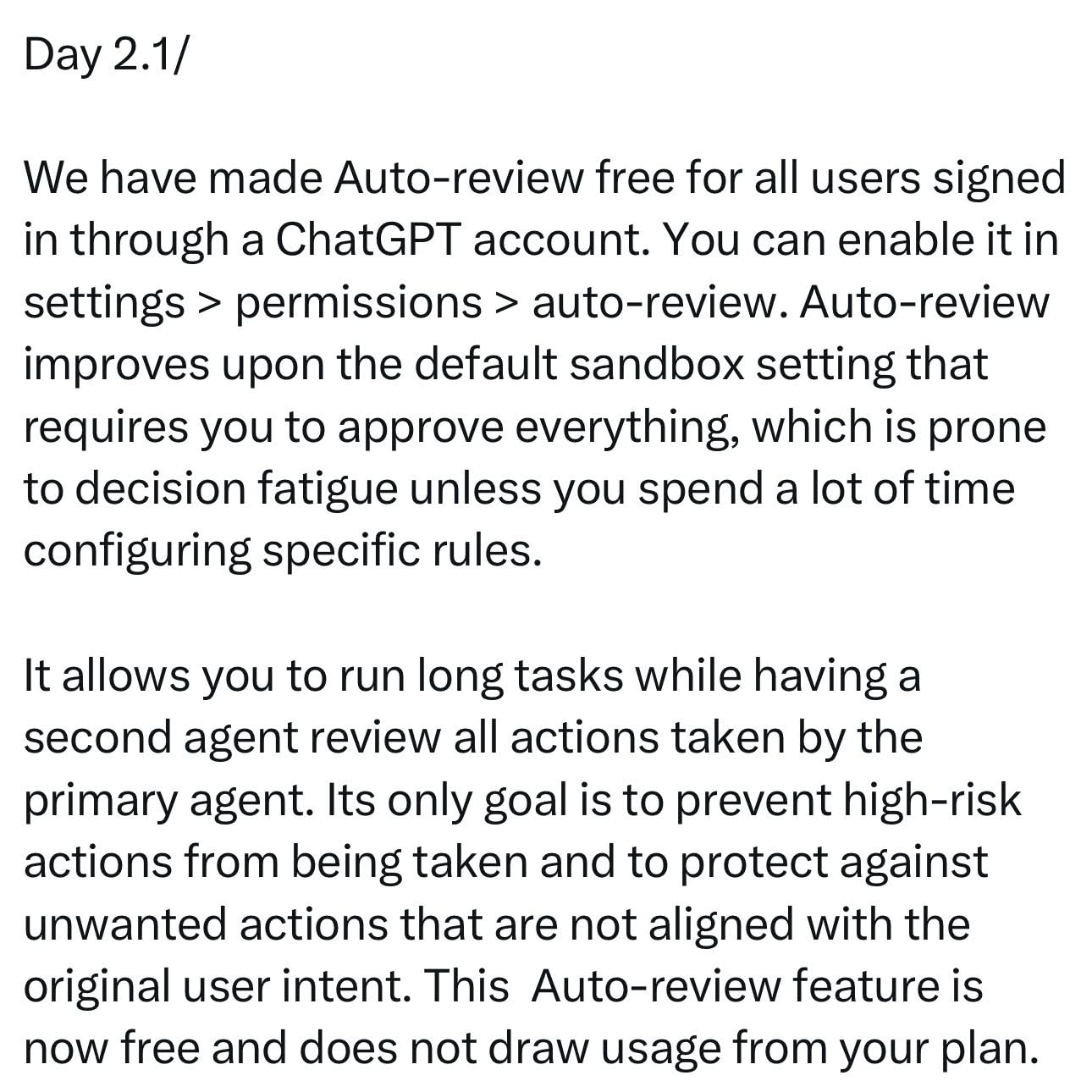
ChatGPT Auto-review goes free for ChatGPT sign-ins
One agent does the work while a second one runs in the background and checks each action against what you actually asked for. ChatGPT Auto-review is now free for anyone signed in with a ChatGPT account.
Related stories
- Claude gets a sidebar in Google Docs, Sheets, and Slides
- Gemini’s desktop Tasks mode comes with a voice button
- Computer use traces show up in the Gemini desktop app
- Microsoft rolls out Autopilot agent in Frontier preview
- Six countries get Gemini Tasks free, the EU doesn’t
- Replit says its agent swarm built Radar in 2 days for $3,000
Comments
No comments yet. Be the first.
Join the conversation
Sign in to leave a comment. It appears after moderation.