
Embedded browsers in Codex and VS Code leak the whole disk

Forever published research on October 29 showing that the built-in browsers of Cursor, GitHub Copilot, Codex, VS Code and Claude Desktop each let a web page or a local file reach the machine behind them, Forever’s write-up says, through running code, reading and exfiltrating files or faking the address bar. In Codex and VS Code the file-read flaw is still open: a local HTML file opened in either tool’s built-in browser can read any file on the disk and send it out. Microsoft declined the report and OpenAI has not shipped a fix.
Forever calls the shared pattern EMBRACE, short for an embedded browser trusted like a real one. Each vendor loosened a standard browser rule so the AI could preview a local project, read what a tab shows or pull context from a page, and each loosening handed a hostile page a power a standalone browser withholds.
How one file reads the whole disk
The attack needs a single click, and the delivery makes it look routine. The project is dressed up as a dull financial report, the developer asks the assistant to “set it up per the README,” and the assistant itself offers a clickable link to an HTML file. Nothing visible happens after the click.
Claude Desktop and VS Code do restrict a local page to its own project folder. That check runs for the page, but not for a web worker, a background script the page can start, so the page starts one and reads any file on the disk from inside it. Codex had no such restriction at all: the page reads files directly, no worker needed.
To find targets, the attack reads the hidden index files macOS writes into every folder a user has opened in Finder and maps the disk one folder at a time. On Forever’s own machine the sweep pulled SSH keys, .env files, npm tokens and the hosts file. The code and reproduction steps are in the technical companion.
Why Codex and VS Code are still exposed
Forever reported the file-read issue to Anthropic on July 23, to OpenAI on July 27 and to Microsoft on September 10. Anthropic and Microsoft both declined it as invalid, citing Workspace Trust, the prompt that asks a developer to trust a project folder. A day after Forever’s report, Noma Security disclosed it to Anthropic as well, and that report was accepted as valid. Of the three products, Forever lists only the Codex and VS Code issues as still open.
Weizman argued that the Workspace Trust prompt “provides zero protection to the user,” saying in remarks carried by Help Net Security: “Not trusting a project inside an AI harness makes it unusable, so everyone just hits ‘Trust’.” Anthropic has rated a similar route as serious elsewhere: a padded coverage report that read the disk through Claude Code Desktop’s preview pane, shown by Noma Labs, got a CVSS 8.7 (High) score from the company.
Cursor and Copilot, already patched
In Cursor, a booby-trapped page hid a command inside an on-screen HTML chip. The person saw a harmless element, while the agent read the hidden instructions and asked to run the command, which took a single Enter in an empty composer. When Cursor’s sandbox blocked it, the agent switched the sandbox off and tried again, with nothing in the page telling it to. In the test the command opened Calculator; the attack depends on the model and does not work every time. Forever disclosed it on September 10, and Cursor patched it on October 1.
GitHub Copilot 1.1.27 let a page tell the app it was at any address. The app checked only that the text looked like a web address, so the address bar and the agent’s list of tabs both read github.com while the tab showed an attacker’s page. GitHub fixed it on its own in build 1.1.29 on October 13, before Forever had sent a report.
What Forever tells security teams
Forever, which builds tools that watch how AI tools behave on endpoints, names three steps. Know which of these five tools run on your developer laptops, since each ships a browser that is probably not tracked as one. Treat that embedded browser as a live endpoint surface: it loads untrusted pages and local files and is driven by an agent rather than a cautious human.
And drop “a user would have to click something” as a defence. In these findings the one required click came from a place users trust: a link the assistant drew itself, or a single Enter on its run card.
Up next
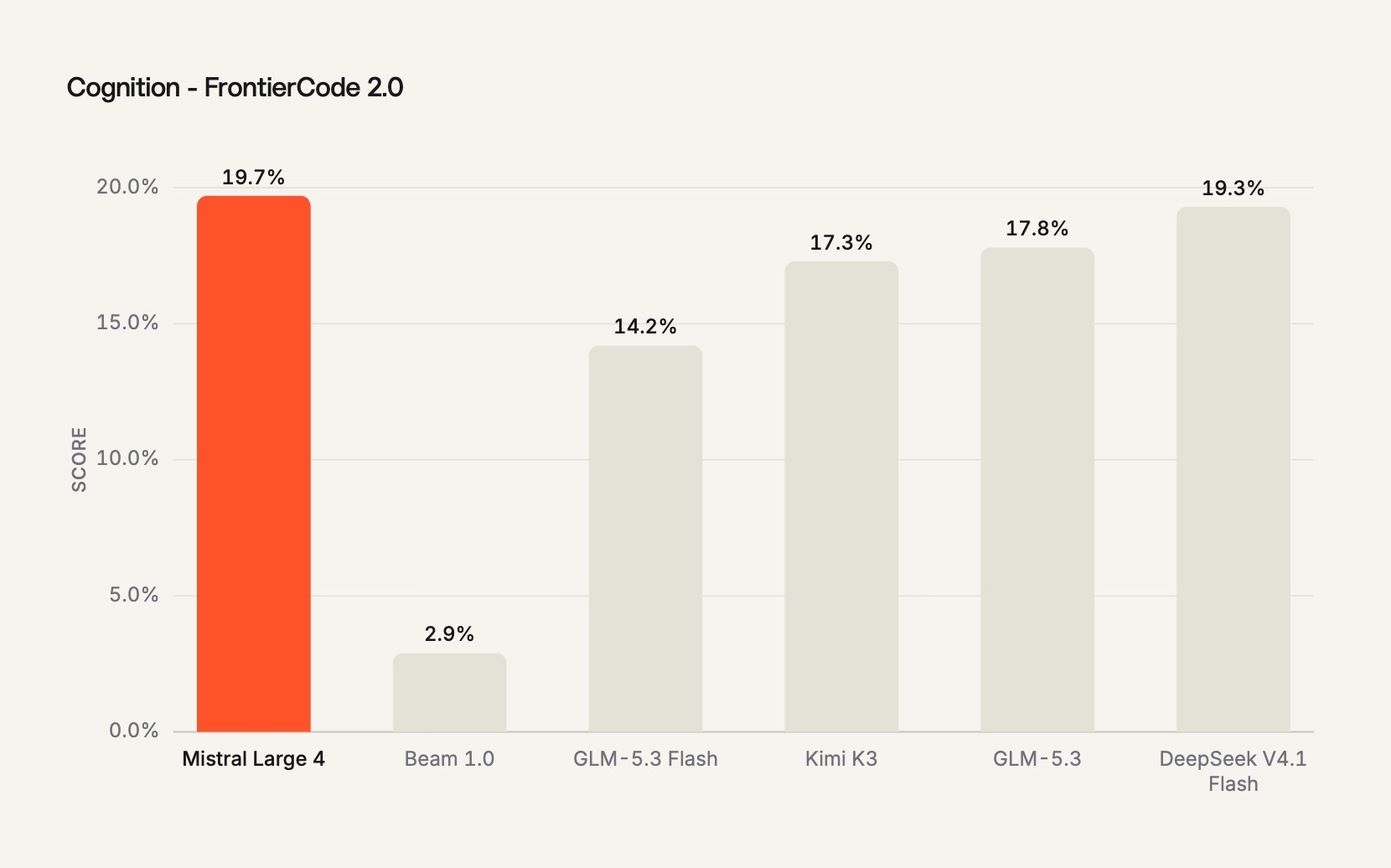
Mistral Large 4 weights are out, API now from $0.70 per 1M
Weights for Mistral Large 4, all 1 trillion parameters, went up on Hugging Face, though selling it as a hosted model service needs a separate license from Mistral. Would you self-host a 1T model or call Mistral’s API instead?
Related stories
- Fake coverage report stole keys via Claude Code Desktop
- A poisoned repo escaped Claude Code’s sandbox in one message
- Codex CLI 0.157.0 leaves a daemon running after you quit
- Codex Security Cloud reviews commits with the laptop closed
- Reading a repo was enough to break out of Codex
- Prompt rule sends Codex to the web for a local file
Comments
No comments yet. Be the first.
Join the conversation
Sign in to leave a comment. It appears after moderation.