
Alt + Space calls up Gemini on Windows
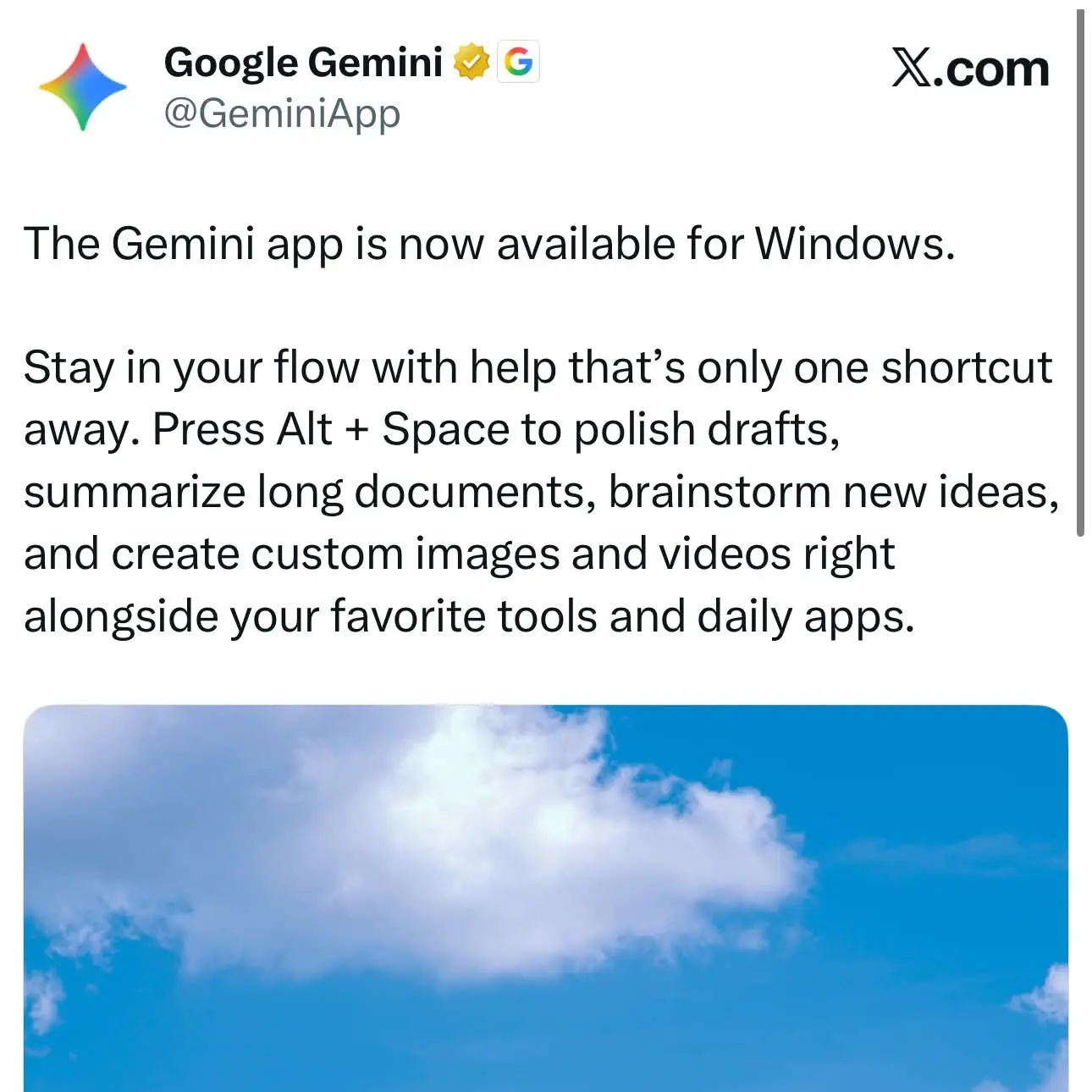
Gemini now runs as a native Windows app, and the main thing it adds is Alt + Space. The shortcut brings Gemini up on top of whatever window you are working in, so there is no browser tab to find first. The release was flagged in a post on Threads on September 10. Google’s desktop page says the app needs Windows 10 or later and runs on both x64 and ARM64 machines.
Google’s channels give different dates. Google’s blog dates the app’s general availability, worldwide and in English, to April 14, 2026. A Workspace Updates post from September 11 says the app is now available to Rapid Release and Scheduled Release domains.
The window includes AI Mode. It can pull information from the web, from files on the computer, from installed apps and from Google Drive. Screen sharing and Lens let you search whatever is on your screen. The app also connects to Gmail, Docs and Calendar, so it can find details in an email thread or summarize a shared document. Chat history and memory sync across devices signed in to the same Google account. Besides the shortcut, you can open the app from the taskbar or the system tray, and you can change the key combination in the app’s settings.
Google’s Workspace post calls this “the beginning of Gemini app’s native desktop capabilities for Windows, with more features planned to roll out over time.” For now the Windows build is behind the Mac version, which Chrome Unboxed says launched in July. The desktop page lists several macOS features that Windows doesn’t have yet: one-click launch of Google Antigravity, voice dictation across open apps, ⌘ + ⌘ to share screen context, and Tasks, which organize local files into Docs and Sheets. Google says Task mode handles multi-step work in the background and asks you to approve each action with one tap. In August, Testing Catalog found traces of computer-use controls and avatar settings in builds of the desktop app.
Workspace admins don’t need to turn anything on. The app is enabled by default for every organization that has Gemini enabled. It is managed through the Generative AI settings in the Admin console, and end users get no setting of their own to turn it off.
Up next

$1-a-year ChatGPT for agencies gives way to 50% off
The $1-a-year ChatGPT deal for federal agencies is finished. The GSA says OpenAI is switching them to usage-based pricing, with federal workers getting 50% off standard prices.
Related stories
- Avatars and a Customize tab head to Gemini desktop
- Computer use traces show up in the Gemini desktop app
- Google Play now runs vibe-coded apps without a dev account
- One-click GitHub import lands in AI Studio Build
- GitHub Copilot gets five new features at Universe’26
- Google opens Android Studio and CLI to Claude Code and Codex
Comments
No comments yet. Be the first.
Join the conversation
Sign in to leave a comment. It appears after moderation.