
Perplexity puts its 4B decision model on the Mac
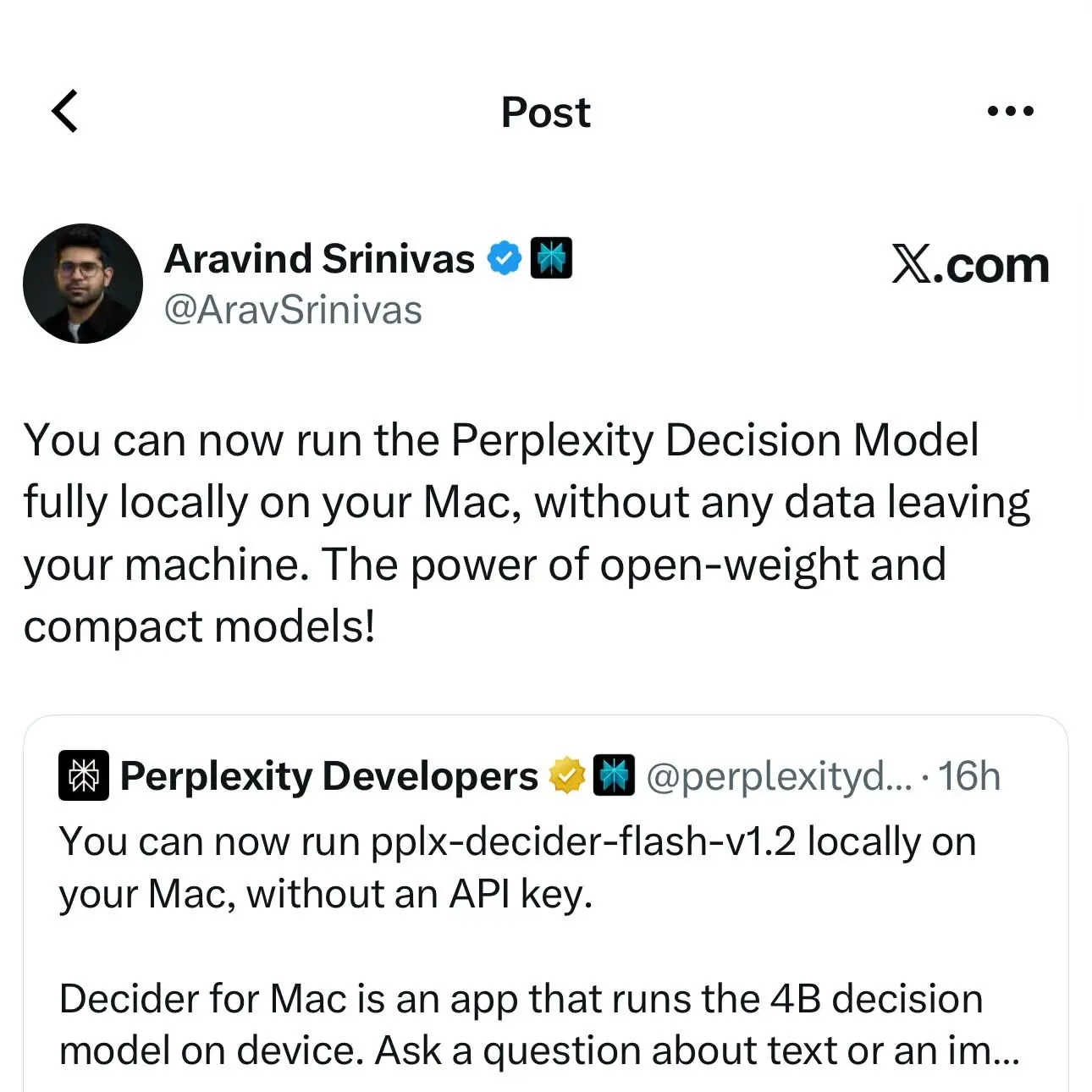
Perplexity’s 4B decision model, pplx-decider-flash-v1.2, now runs on a Mac as a local server that accepts the same requests as Perplexity’s hosted Decisions API. Perplexity’s documentation for Decider for Mac, current as of October 23, says the endpoint is http://127.0.0.1:8080/v1/decisions, the model reads your content on your own machine, and there is no API key and no usage bill.
Perplexity says the app is for content you can’t send anywhere else: “customer exports, meeting notes, screenshots of internal tools, logs with tokens in them.” The intended workflow is to build and tune against the Mac, then point the same code at https://api.perplexity.ai/v1/decisions when you need hosted scale or the larger pplx-decider-v1.2.
What a decision model returns
A decision model reads text and images the way a multimodal LLM does, but it doesn’t write replies. It returns typed answers with probabilities, and your code applies the cutoffs. Perplexity’s Decisions API quickstart pitches it for anywhere you would otherwise ask a chat model for a label and then parse its reply: classifying, routing, grading against a rubric. You get back numbers you can compare against a threshold, with nothing to parse.
A request carries the content as state, which can be a string, an object or an array, plus one or more named questions. The response uses the same names. There are three question types:
noul: a yes/no question or a statement to check. It returns the probability of yes, from 0 to 1.choice: pick one of the options you define, from 1 to 255 of them. It returns a probability for every option, summing to about 1, plus the most likely one.score: rate content on an ordered rubric of up to 10 levels. It returns a probability for each level and an expected score, a probability-weighted average that can land between two levels.
The first example in the Mac docs asks which team should handle a support message. The answer for route comes back with choice (the most likely team), probabilities (one value per team) and confidence. Images go into state as OpenAI-style image_url parts with PNG, JPEG or WebP data URLs, and the API never fetches a URL itself. When the model is loaded, the menu shows the status “Ready (text + images)”.
One question per request
The local model works differently from the hosted flagship on one point. The Mac docs tell you to send one question per request, because pplx-decider-flash-v1.2 “answers each question on its own.”
The larger pplx-decider-v1.2 works the other way, according to Perplexity’s model card on Hugging Face. Its predecessor, pplx-decider-v1.1-27b, answered one question per forward pass by reading out the last token. v1.2 reads the whole request in one sequence, first the state and then every question, and takes each question’s readout at a marker token placed right after that question’s options. So asking several questions about the same state costs about as much as asking one, and the questions can inform each other. Both versions use the same Qwen3.8-27B backbone. The other change was the training data: v1.2 adds official training splits of several Decision Index benchmarks, decontaminated against the test sets, plus a large amount of other decision data. The released checkpoint averages the weights of several training runs, chosen as the best compromise across all evaluations.
On Decision Index 0.3, the model card reports an overall score of 62.30 for v1.1-27b, 68.09 for v1.2 with joint requests and 67.75 for v1.2 with one question per request. The overall score uses the suite’s own weighting, not a plain average across categories. The two v1.2 modes differ only on the 9 benchmarks whose requests carry several questions. The scores match on the other 28, which makes 37 benchmarks in all. Perplexity says grouping helps when the questions are facets of one decision and hurts when they are competing candidates. The model card gives these figures for the hosted model, not the 4B build, so they set the hosted ceiling the Mac model sits below. On the Mac, the per-question pattern is the only one available.
What the Mac needs
Decider requires a Mac with Apple silicon (M1 or later), macOS 13 or later, 16 GB of memory and about 6 GB of free disk space. Testing Catalog put the model’s footprint at 5.8 GB. That memory bar is only 16 GB, against the 36 GB of unified memory Perplexity recommended in October for running Computer fully local. Windows, Linux and Intel Macs aren’t supported, and Perplexity points those users to the hosted API. Downloading the app and the model requires a network connection.
The download is two files from Hugging Face. decider-flash-v1.2-q8_0.gguf holds the weights in an 8-bit quantized build. mmproj-decider-flash-v1.2-f16.gguf is the multimodal projector, the component that lets the model read images. Each file has a matching .lock file, and all four have to stay in place while Decider is running. The menu has a Set Hugging Face Token item for the download.
Everything else is in the menu bar. Copy Example curl gives you a request you can run as is, and Copy API URL copies the endpoint address. The Port item offers 8080 (the default), 8000, 8888, 9000, 11435 or a custom value. If you change it, every example in the docs needs the new port. Start at Login launches Decider when you log in, and quitting the app stops the local API. The config file lives at ~/Library/Application Support/ai.perplexity.decider/config.toml. Perplexity says you don’t need to edit it, and that host should stay at 127.0.0.1.
The example scripts
The docs include four scripts that use only what ships with macOS: Python 3 from the Command Line Tools and the built-in screencapture and sips commands. Each one sends one question per request.
label_folder.py sends every .txt file in a folder to Decider and writes the labels to labels.csv. Perplexity suggests sorting by confidence and reading the lowest rows first, because those are the files where your category descriptions need work. You then edit the descriptions and run it again. “Nothing stops you from running it fifty times,” the docs say, which is the case for a free local endpoint in one line.
The pre-commit hook is the most detailed example. A regex scanner catches secrets that have a known format, such as an AWS key or a private key header. It misses the ones that don’t, like a database password in a config file or a token pasted into a comment. The hook runs both checks on the lines you’re adding. A pattern match blocks the commit on its own. Everything else goes to Decider as one noul question per staged file, and the commit stops if the probability of a secret reaches the threshold. That threshold starts low, at 0.2. Perplexity’s reasoning: a false positive costs you a second look, but a missed secret ends up in your Git history. The hook fails closed. If Decider isn’t running or can’t answer for a file, the commit stops and names the file. To skip the hook once after checking a flagged file yourself, use git commit --no-verify. The hook doesn’t read binary files and only sees commits made from that Mac, so Perplexity recommends a dedicated secret scanner in CI as well.
sort_screenshots.py asks one choice question per image and moves each file into a folder named after the answer. It first runs sips -Z 1440 to make a copy whose longest side is 1,440 pixels, which keeps the image under the size limit and the request small. The originals are moved but never resized. check_screen.py takes a screenshot with screencapture -x, which skips the shutter sound, shrinks it, and asks whether an error is showing. Perplexity suggests running it in a loop to watch a long build or a flaky deploy. The first run triggers a macOS prompt for Screen Recording permission for Terminal. Without that permission, the screenshot contains only your desktop background.
Moving to the hosted API
Moving to the hosted service keeps the request body the same and changes two things: the URL and an Authorization header with your API key. That switch also gets you the larger pplx-decider-v1.2 and, going by its model card, the option to group several questions in one request.
The weights on your Mac are a q8_0 GGUF build of the flash model, not the hosted deployment. So the docs’ last instruction applies to anyone who tuned a cutoff locally, the pre-commit hook’s 0.2 included: check the threshold on a sample of your data against the hosted model before you rely on it in production.
Up next
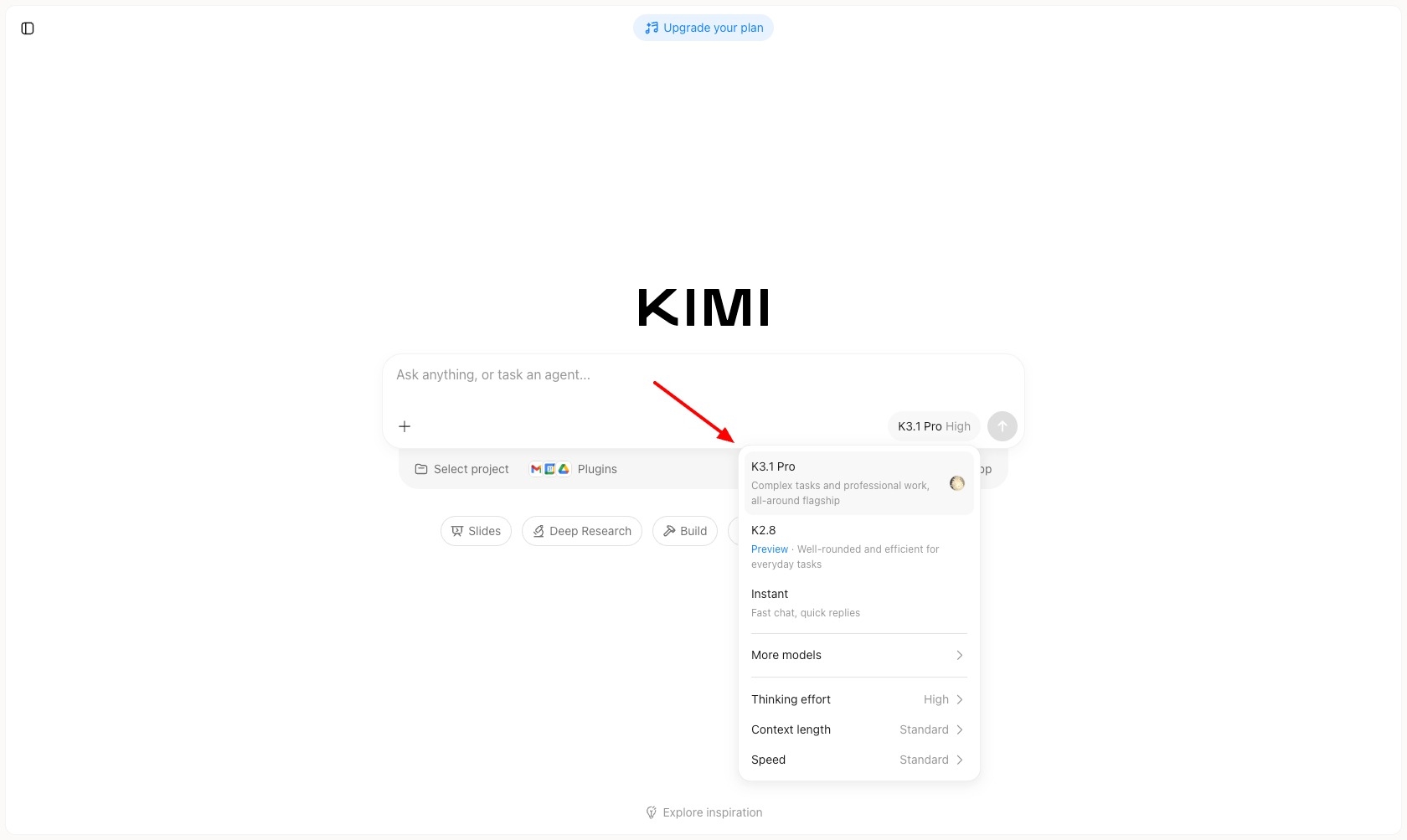
Kimi K3.1 Pro rolls out on Kimi AI web and mobile
“Complex tasks and professional work, all-around flagship” is the tagline on Kimi K3.1 Pro, which Testing Catalog says is rolling out on Kimi AI web and mobile. Have you handed real professional work to a chatbot flagship like Kimi yet?
Related stories
- Microsoft-Decision-1 bills input only, at $0.042 per million
- Perplexity Computer runs fully local on Macs, credit-free
- Hybrid mode would split Computer between Mac and cloud
- Canva Craft debuts fourth among image models on DesignArena
- Ideogram Vector 1.0 splits each SVG into editable layers
- ElevenLabs’ Realtime v1 Max starts speaking in 0.57s
Comments
No comments yet. Be the first.
Join the conversation
Sign in to leave a comment. It appears after moderation.