
1Password fills Claude’s logins without showing passwords
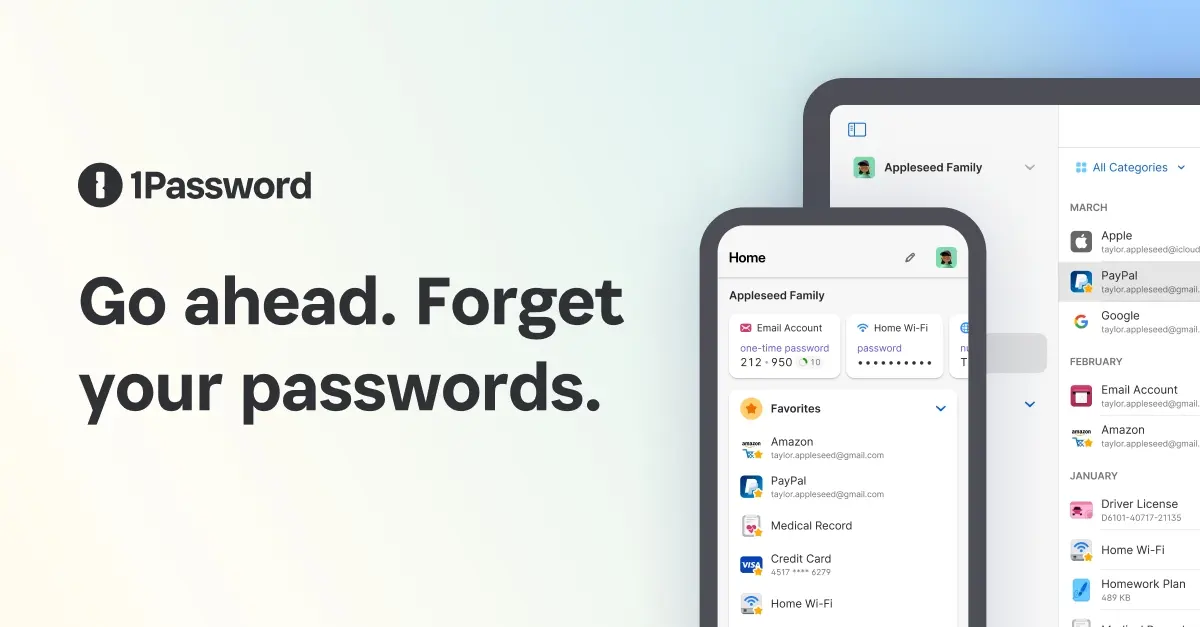
1Password has published how Claude signs in to websites without the password ever reaching the model. Claude asks for a login, you approve a specific item, and 1Password’s browser extension fills it while Claude stops watching the page. The flow is set out in 1Password’s support documentation, dated September 9, which also lists the version requirements, the admin switches and the current limits.
1Password announced the integration on July 16 in a press release. It addresses a specific problem. Until now, giving an AI agent access to credentials in a browser meant passing them as plain text into the agent’s context, where the model could read them directly. 1Password describes the trade-off this way: share credentials with the agent and they are exposed to the model, its memory and the systems behind it, or keep a human in the loop to authenticate at each step and watch the workflow stop and wait for manual input.
How a sign-in actually runs
It starts when you give Claude a task that needs a login. Claude sends a request to 1Password, and 1Password shows a prompt naming the exact Login item Claude wants. You can approve it, pick a different saved login for that site from a dropdown, search for another item, or deny the request. The press release says approval or denial takes a single biometric prompt.
After you approve, 1Password fills the credentials directly on the website through a secure channel it manages, outside the agent’s view. During the fill, Claude stops reading and tracking the site until 1Password reports back. When Claude looks at the page again, the credentials have already been submitted and are no longer visible. The only thing Claude learns is which login it used. The password and the one-time code never enter the model’s context, its memory or Anthropic’s systems.
“Claude knows it used your login; it does not need the password or one-time code in its context,” said Nancy Wang, 1Password’s CTO.
Underneath this is what 1Password calls a zero-exposure security framework. Secrets stay encrypted until 1Password injects them into the page. Access is granted per session and scoped to the specific items you approved, and the approval does not carry over to other sessions. The press release describes 1Password for Claude as the first integration built on that framework.
Sign-in providers add one step. If a Login item signs in through Google or Facebook, Claude requests both the site’s Login item and the linked provider item, then signs in with the provider login. You authorize the request to continue.
Agentic Mode
Once Claude takes control of your browser, the 1Password extension switches into Agentic Mode. Only the items approved for the current task are reachable, and the rest of the vault stays out of reach. This happens whether or not you have set up 1Password for Claude at all.
The lockdown applies to you as well. While Agentic Mode is on, you can’t interact with the 1Password extension, you get no inline autofill suggestions, and you can’t use 1Password to sign in to other websites. To get your extension back while Claude is still in control, you have to close the Claude tab group in the browser.
What it takes to set up
The requirements are a Mac, 1Password for Mac 8.12.28 or later, the 1Password browser extension at the same version or later, the Claude desktop app and Claude in Chrome. 1Password lists the feature as available to Individual, Families and Business customers on Mac.
To connect, open both desktop apps, go to Customize > Connectors in Claude, find the 1Password connector and select Connect. 1Password then asks for Touch ID or your account password. If you’re signed in to several 1Password accounts, you choose which one to connect. To test it, open a new Cowork session from +New and ask for something that needs a login. 1Password’s own example is “go to the Amazon website, sign in, and check the status of my latest order”. The Claude extension may also ask for permission to navigate to the site.
The Claude in Chrome requirement matters more than it used to, because since late August Cowork’s web tasks run through a browser built into the desktop app by default, with a settings toggle back to Claude in Chrome. Since the fill goes through the 1Password browser extension, the integration appears to depend on the Chrome route.
For now 1Password fills only usernames, passwords and one-time passwords from Login items, plus sign-ins through supported providers such as Google or Facebook. Other item types and passkeys are still unsupported.
Who has to switch it on
In organizations, two admins may be involved. On a 1Password Business account, the administrator has to turn on agentic autofill first: sign in at 1Password.com, open Policies, select Manage under “Sharing and permissions”, and turn on Allow AI agents to autofill for users.
On Claude Team and Enterprise plans the integration is off by default. An Owner or Primary Owner goes to Organization settings > Claude in Chrome, turns on Enable for your team if it isn’t already on, then turns on Password managers. After that, people in the organization can connect 1Password themselves. Disconnecting works from the same Customize > Connectors screen in Claude, using the Disconnect button next to 1Password.
If the approval prompt doesn’t suggest the right login, 1Password’s advice is to check that the website saved on the item exactly matches the sign-in URL. If it doesn’t, open the item in the 1Password desktop app, select Edit, correct the URL in the website field, save, and try again.
Up next

Claude Opus 5 tops Sierra’s agent-building test at 23.9%
“Shipping the first design that runs” is how Sierra describes the developer agents in its new Hyper-τ-bench, where the top setup, Claude Opus 5 in Claude Code, scored 23.9% and none of the six broke 25%.
Related stories
- Claude in Chrome is now on every paid plan
- Claude now has its own built-in browser in Cowork. When your task involves a website, a browser opens in Cowork’s si…
- OSS Scanner sends maintainers 77 critical findings
- Flagged Opus 5.5 chats stay stuck on Opus 4.8
- Claude’s file checker reads C2PA credentials
- Claude Cowork gets its own browser, no Chrome needed
Comments
No comments yet. Be the first.
Join the conversation
Sign in to leave a comment. It appears after moderation.