
Claude Code 2.1.269 grades plugins with a scored eval run
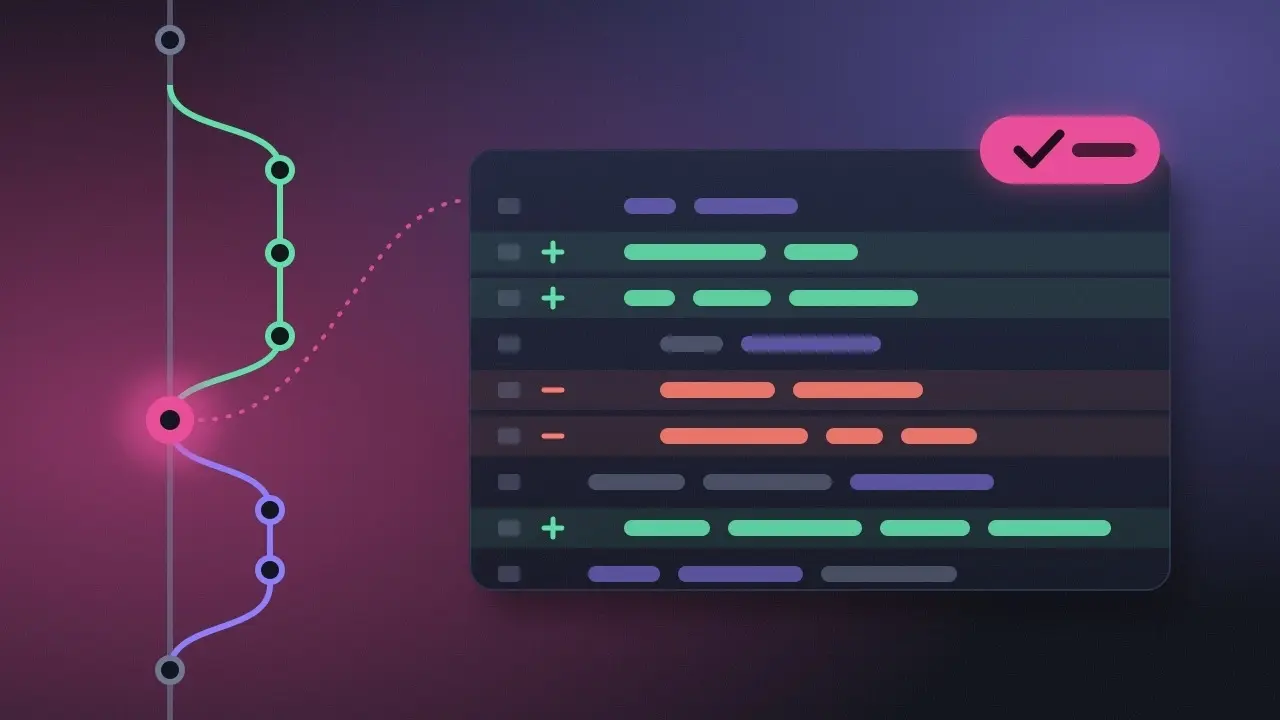
Claude Code 2.1.269, released on September 11, gives plugin authors a way to check whether their plugin helps at all. The new claude plugin eval command scores a plugin on a set of test cases, then runs the same cases again without the plugin, so you can compare the two results.
The release notes on GitHub say the command runs a plugin’s eval suite against Claude Code and produces “scored, reproducible results” as JSON plus an HTML report, with the options under claude plugin eval --help. The rest of the release is mostly fixes. Several of them close permission gaps around plugins and Bash, and three deal with prompt-cache misses.
Anthropic’s ClaudeDevs account described the workflow in a post. You write test cases, run your plugin or skill against them and score those runs. Then each case runs again without the plugin. The terminal shows each case’s score with and without the plugin, and the HTML report has the full detail. If your account supports it, the report is also published as a private artifact.
A plugin can bundle skills, agents, hooks, MCP servers and default settings into one installable unit, while a skill is a single SKILL.md file. So the baseline run tells you whether that whole package earns its place in a session. The same question came up a few releases back, when 2.1.261 added /skill-doctor to flag loaded skills that go unused and show what they cost in context. That tool reported the cost. The eval tries to measure the benefit.
The same post lists two caveats. Evals call the model, so they spend tokens and results vary between runs. Anthropic suggests a pilot with --runs 1 before a full run. The eval also isolates nothing: the plugin’s hooks and MCP servers run as you, so only evaluate plugins you trust. That matches the warning in Anthropic’s official plugin directory, which says the company “does not control what MCP servers, files, or other software are included in plugins and cannot verify that they will work as intended or that they won’t change.”
Several plugin fixes in this release deal with exactly that trust boundary. Plugin archives extracted for a session could be read by other local users. Extracted files kept world-writable bits from the archive, and stale files survived re-extraction. Consent prompts for a plugin’s headersHelper showed a URL path that could be misread as a different host. Plugin LSP servers that reject shutdown params, such as rust-analyzer, used to keep running after the session ended. Claude Code now sends exit even if shutdown fails.
Two permission fixes change what your existing rules actually do. Edit() deny rules and the write-path check did not apply to the file a Bash tee command writes. A Bash(tee:*) allow rule also covered destinations outside the working directories, and now it no longer does. A deny or ask rule starting with ! could apply beyond the settings source that wrote it. Such rules now apply only within their own source, and a bare ! negation is ignored. Separately, the permission_denials field in --output-format stream-json results now includes Read, Edit and Write calls blocked by a path-scoped deny rule. Before, those blocked calls were missing.
Three fixes target the prompt cache. The cache was partly invalidated on the turn after a response hit the output-token limit and resumed automatically. Resuming a session after interrupting Claude mid-thought could change how earlier context was re-sent. And cloud sessions missed the cache because the first request went out before the server configuration arrived. They now wait for it briefly.
Long autonomous runs get their own set of changes. CLAUDE_CODE_WORKFLOW_MAX_CONCURRENT_AGENTS takes a value from 1 to 256 and raises the Workflow tool’s per-run limit on concurrent agents, meant for fan-outs where model inference is the bottleneck. /goal runs used to stall silently after API errors, network drops or token limits. Now they retry with backoff, or pause and say why, including when they are waiting for a usage limit to reset. Sessions no longer get permanently stuck on “Prompt is too long” when auto-compaction has no complete earlier exchange to summarize, a case that mostly hit Agent SDK sessions with very large prompts. After a compaction, Claude now gets the current git status instead of the one from the start of the session.
Among the smaller additions:
/output-style [name]lists and switches output styles, including over Remote Control and in cloud and other headless sessions.- With
bashEditDiffEnabledset, the Bash tool result includes a diff of the files a command changed when Bash handles file edits. OTEL_METRICS_INCLUDE_REPOSITORYtags OpenTelemetry metrics and events withvcs.*repository attributes. WithOTEL_LOG_TOOL_DETAILS, commit events also getvcs.ref.head.*.CLAUDE_CODE_GATEWAY_MODEL_DISCOVERY_TIMEOUT_MSextends the timeout for LLM gateway/v1/modelsdiscovery, which defaults to 3 seconds.- The attribution reminder no longer overrides a CLAUDE.md or memory rule against commit and pull request attribution. Lines set by managed settings still apply.
- Keyboard regressions from 2.1.247 are fixed in kitty-protocol terminals, st, rxvt-unicode and WezTerm.
The VS Code extension adds an agent map: an “N agents” pill in the footer opens per-agent cards for the session’s subagents, with a Stop agent button and read-only transcripts. New Hooks and Permission rules dialogs let you add, edit or remove entries in user, project and local settings. Managed and plugin hooks stay read-only, as do managed and session-only rules. The web version now lets you take back a queued message in a cloud session before Claude reads it.
One fix changes default behavior. Remote and headless sessions no longer report “waiting for your input” while background agents are still running. If a script depends on the old signal, set CLAUDE_CODE_BG_TASKS_REPORT_RUNNING=0 to restore it.
Up next

Two safety researchers leave Anthropic and Google for METR
“There are no adults in the room,” Josh Engels told NBC News, in his first interview since leaving Google. He and ex-Anthropic safety lead Joe Benton are joining METR to investigate AI incidents that labs report voluntarily.
Related stories
- Claude Code tags gateway requests by class and agent
- Claude Code 2.1.268 makes /cost match gateway rates
- Claude Code opens network hosts one command at a time
- Claude Code 2.1.312 stops overwriting big CLAUDE.md files
- Claude Code 2.1.311 compacts past 200K instead of stopping
- Claude Code 2.1.310 brings Monitor to Bedrock and Vertex
Comments
No comments yet. Be the first.
Join the conversation
Sign in to leave a comment. It appears after moderation.