
AI Usage Ball shows Claude quota as liquid orbs on macOS
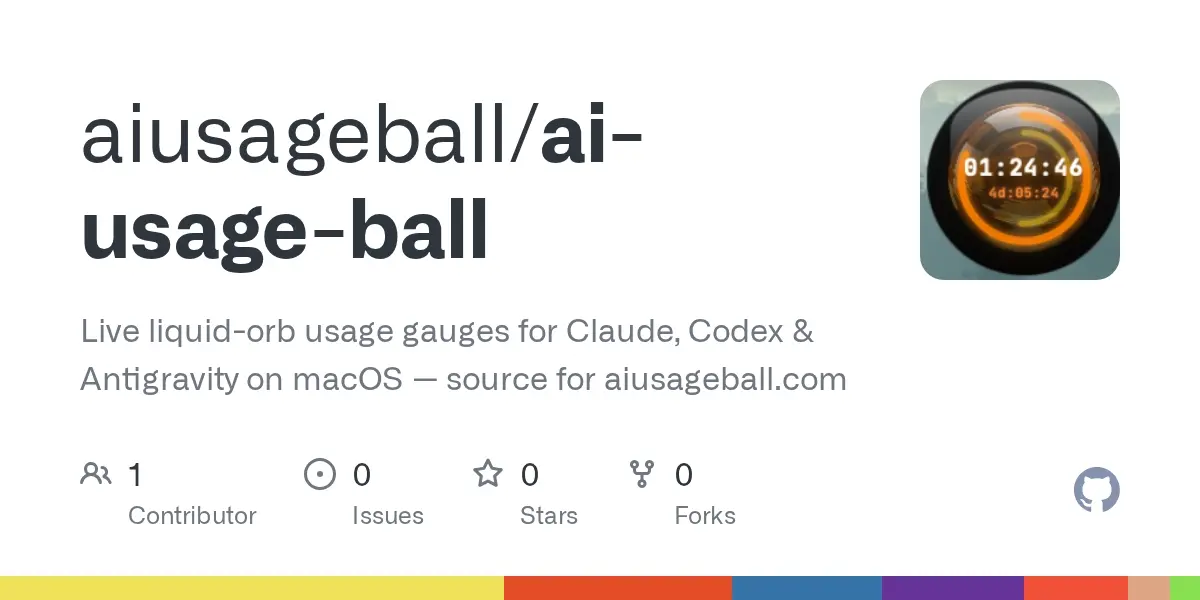
AI Usage Ball, a macOS desktop app posted to Show HN on September 3, draws your remaining Claude, Codex/ChatGPT and Antigravity quota as animated liquid orbs. Each orb shows session limits, weekly limits and the countdown to the next reset, so you can check all three providers without opening their dashboards.
The full source is on GitHub, published so anyone can audit exactly what the app reads from your Mac and how. It is source-available, not open source: the PolyForm Noncommercial License 1.0.0 lets you read, modify and build the code for personal, noncommercial use, and rules out selling it, bundling it or running it as a paid service.
There are two parts. The desktop app in dashboard/ is Tauri v2 (Rust) with a React frontend, and it holds the main window, the desktop widgets and the orb visualization. It talks to a Python FastAPI backend in server/ on 127.0.0.1:8000, which collects usage data and streams it to the frontend over server-sent events, a one-way push channel over HTTP. Each provider has its own reader. Claude comes from a browser session cookie or CLI credentials, Codex from ~/.codex/auth.json, and Antigravity from local process detection. Nothing goes through a server the developers run. A watchOS companion, AiPulseWatch/, written in SwiftUI, is in the repo but still a work in progress.
Claude has the most complicated meter of the three. Anthropic’s pricing page says every plan’s limits reset on a rolling five-hour session window, paid plans add weekly limits on top, and Claude on web, desktop, mobile and Claude Code all draw from the same pool. Anthropic publishes no fixed message count, only relative scales: Pro gets at least 5x Free per session, and Max gets 5x or 20x Pro. Inside Claude Code, /usage already shows your remaining budget. The orb keeps that figure on screen next to the Codex and Antigravity numbers.
The quickest way in is the signed, notarized build for Apple Silicon from aiusageball.com. Every download comes with a 30-day trial, no card required. The first 100 users who try the app and share genuine product feedback can apply for a free lifetime personal license. The project says sales of the official build fund continued development, and commercial licensing is available on request.
Building from source takes two terminals. For the backend: create a venv in server/, run pip install -r requirements.txt, then python server.py. For the app: run npm install and npm run tauri:dev in dashboard/. A distributable .app or .dmg needs one more step so end users don’t need Python. You freeze the backend into a single binary with PyInstaller, named aipulse-server, and copy it to dashboard/src-tauri/binaries/aipulse-server-aarch64-apple-darwin, since Tauri expects the target triple in the sidecar’s name. Then npm run tauri:build produces the bundle.
Signing and notarizing need your own Apple Developer identity, set in tauri.conf.json under bundle.macOS.signingIdentity. The entitlements file carries disable-library-validation, which the PyInstaller sidecar needs to load its embedded Python under macOS’s hardened runtime. Unsigned local builds work fine for development.
If you want to audit the app before handing it your cookies and CLI credentials, start with server/server.py. The repo calls that file, which holds the backend’s polling logic, the ground truth for exactly what is read and from where.
Up next
Claude Code 2.1.259 hands MCP servers to the whole org
A new managed setting pushes the org’s HTTP/SSE MCP servers to every Claude Code user, and entries that name a command to run get skipped. allowedMcpServers now covers only the servers users add themselves.
Related stories
- Show HN: CostClaw, a local CLI that finds your Claude Code spend leaks
- Budget Guard puts a hard daily cap on Claude API spend
- Blender addon makes Claude twice as efficient with nodes
- lcc cut one Claude Code session 49.5% without a summary
- catnap keeps Claude Code from compacting mid-task
- Script checks whether your network breaks Claude API uploads
Comments
No comments yet. Be the first.
Join the conversation
Sign in to leave a comment. It appears after moderation.