
Kling 4.0 mixes up to 15 references in one video
Kling AI released Kling 4.0 on October 23. The new video model is sold on control: a single generation runs up to 30 seconds and accepts up to 10 keyframes, fixed frames that set how a scene moves from one beat to the next. Its Omni Reference feature combines up to 15 images, videos, subjects or voices in a single task, according to the announcement, which a creator shared in a test post on Threads along with two trial clips.
Kling is Kuaishou’s video model family. Kuaishou also runs the Kwai short-video app, and since Kling’s debut in June 2024 a major release has come every few months. The model already offered director-style controls: start and end frames, reference images and videos, and multi-shot storyboards. Kling 2.6 in December 2025 added native audio, so clips came with synchronized speech and sound. Then, on June 17, the Kling 3.0 Turbo and Omni upgrades brought longer clips and the Omni One engine. Version 4.0 adds voices to the list of inputs a single task can reference, next to images, videos and subjects.
The first test needed only a one-line prompt: “Cyberpunk hacker robot working in front of many monitors.” The clip cuts between a wide view of the workspace, close-ups of the robot’s mechanical hands and the code-filled screens. The author’s view is that the changing angles make the scene feel more immersive, while the robot’s consistent look holds the sequence together.
The second test took the same robot, with the same black metallic armor and glowing red eyes, out to a futuristic city street. This time the prompt was “The same robot walks through a rainy neon street at night, stops, looks into the camera, and says: Access granted.” The author singles out this kind of test as the interesting use of Omni Reference, because a character moves into a new scene without being redesigned from scratch.
The author’s advice for carrying a character across clips: use a clear frame from the first generation as the reference, then describe the new environment and the character’s actions in sequence.
Up next
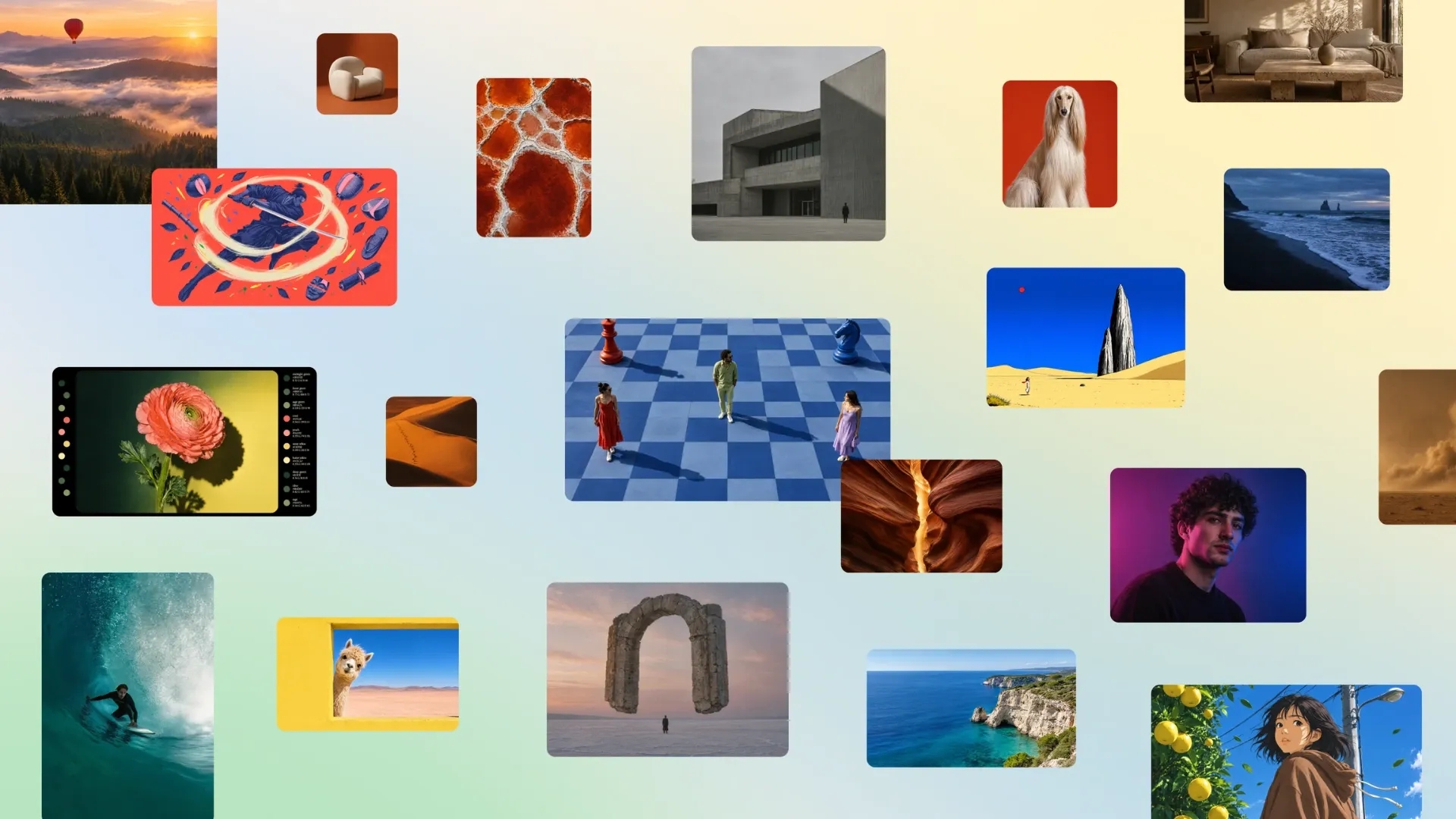
Canva Craft debuts fourth among image models on DesignArena
Canva trained Craft, its first image model, with heavy emphasis on millions of human-made design templates, and it debuted fourth among image models on DesignArena. Do you use AI image models for layouts like posters, or only for photos?
Related stories
- Ideogram Vector 1.0 splits each SVG into editable layers
- ElevenLabs’ Realtime v1 Max starts speaking in 0.57s
- Mistral’s Voxtral 3 TTS costs $13 per 1M characters
- FLUX 3 Max outpaces Seedance 2.5 over 25x in fal’s test
- FLUX 3 Image Klein’s 5.6B count leaves out its encoder
- Nemotron 3.5 Super VL gives NVIDIA’s 120B agent model eyes
Comments
No comments yet. Be the first.
Join the conversation
Sign in to leave a comment. It appears after moderation.