
Claude Code team defines a loop by its stop condition
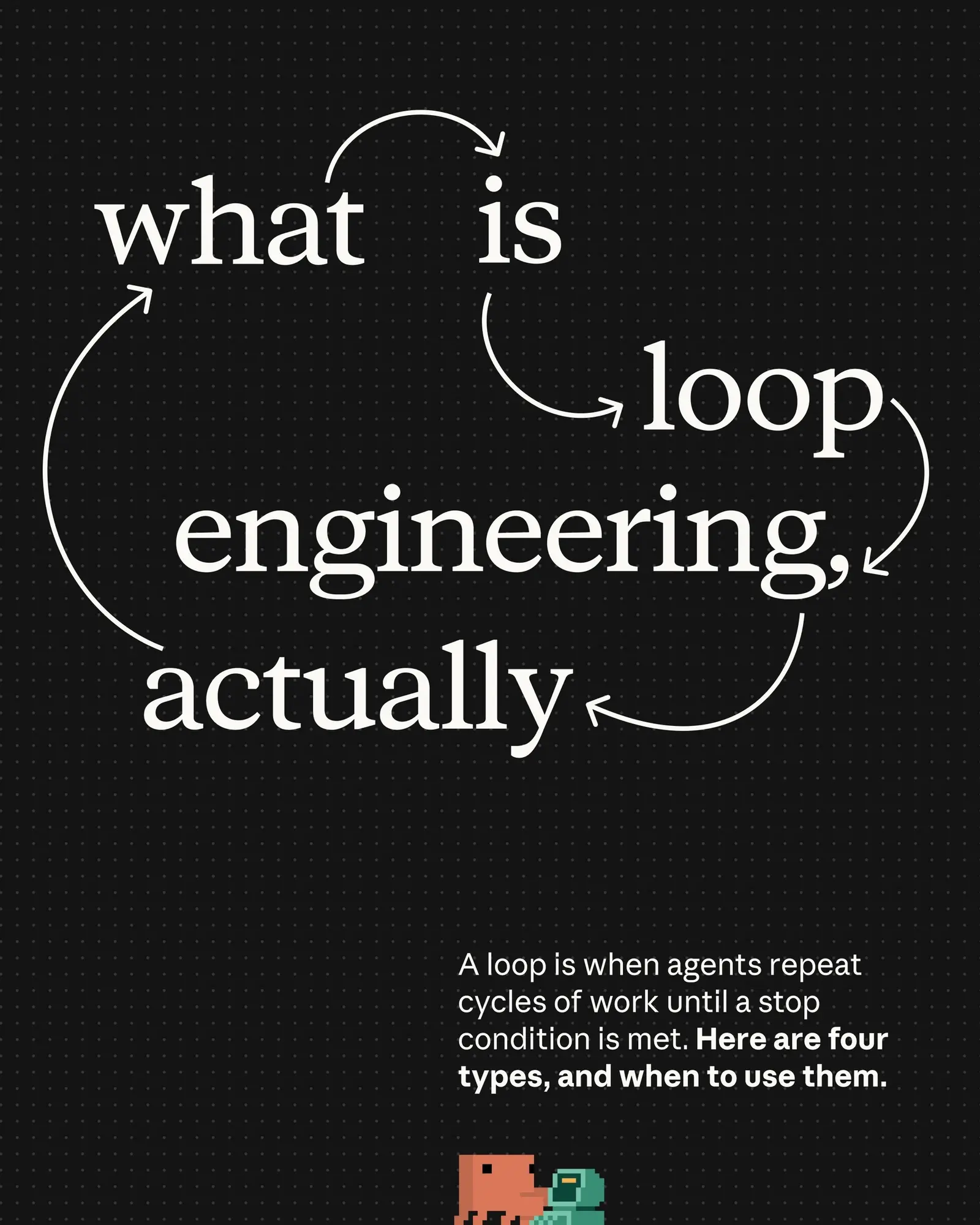
The Claude Code team defines a loop as an agent repeating cycles of work until a stop condition is met, and a Threads post on October 28 splits Claude Code’s loops into four types, with notes on when to reach for each. If your team uses /goal, write the stop condition as something Claude’s own output can show, such as a test result: the model that decides whether to stop judges the conversation and doesn’t run commands or read files itself.
A write-up by The AI Corner names turn-based, goal-based and time-based loops among the four. It recommends stop conditions a machine can prove, each paired with a cap on turns. Anthropic’s guide already put a number on that cap in August: its example goal pushes a homepage Lighthouse score to 90 or above and stops after 5 attempts.
Anthropic’s documentation for /goal explains why the condition has to be provable. After each turn, a separate evaluator checks it, so completion is decided by a fresh model and not by the one doing the work. If the condition doesn’t hold, Claude starts another turn instead of handing control back. The evaluator only has what Claude has surfaced in the transcript, which is why the docs’ sample condition, “All tests in test/auth pass”, works: the test run prints its result there. The docs suggest goals for work with a verifiable end state, like migrating a module to a new API until every call site compiles and tests pass, or clearing a labeled issue backlog until the queue is empty.
A goal clears on its own once the condition is met, when the evaluator judges it impossible to satisfy, or when a turn fails on an error you have to fix. It leaves the permission mode alone. In Manual mode Claude still asks before tool calls your settings don’t already allow, so goal turns run unattended only when /goal is started in auto mode.
The docs set /goal beside two other ways to keep a session going between prompts. /loop starts the next turn when a time interval elapses and runs until you stop it or Claude decides the work is done. A Stop hook, like a goal, starts the next turn when the previous one finishes, but your own script or prompt decides when to stop. The hook lives in the settings file and applies to every session in its scope, and it can run a script for deterministic checks. A goal lasts for the current session only, and one goal can be active at a time: setting a new one replaces it.
To see where a running goal stands, type /goal with no argument. It shows the condition, the runtime, how many turns were evaluated, the token spend and the evaluator’s most recent reason.
Up next
Claude for Legal adds ready-made artifacts for cite checks, Video
“Claude completes the first pass, and a lawyer applies their judgment.” That’s the split behind a new Claude for Legal gallery of artifacts for cite checks and contract review. Has an AI first pass on a contract ever saved you a review, or cost you one?
Related stories
- Claude Code has four kinds of agent loops: /goal, /loop, /schedule
- LoopFlow automates Claude Code with looping workflows
- Subagent coordination in Claude Code costs zero tokens
- A Claude Code cron job now triages support tickets over MCP
- Claude Code and two free models split on Next.js picks
- Claude Code’s sandbox ships as an open-source npm package
Comments
No comments yet. Be the first.
Join the conversation
Sign in to leave a comment. It appears after moderation.