
Fixing image paste issues in Claude Code via WSL
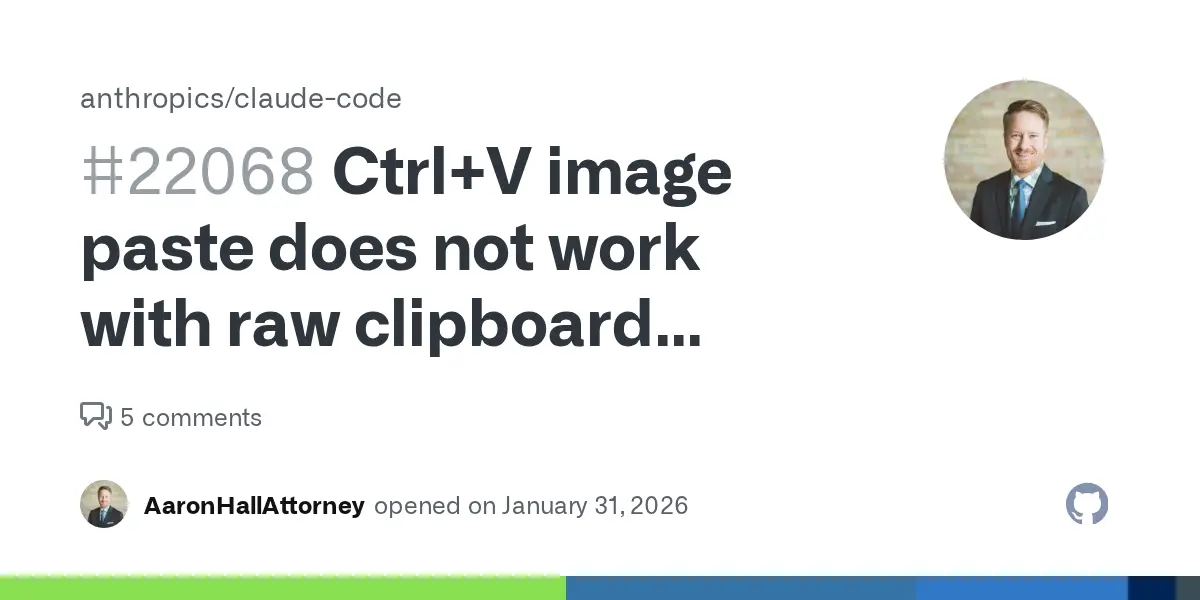
Users of Claude Code in WSL environments can't paste images with Ctrl+V. The problem stems from three factors: WSLg converts images to the outdated BMP format, which Claude Code can't read; WSLg automatically overwrites the clipboard; and Windows Terminal intercepts the Ctrl+V shortcut before it reaches the app.
A developer created the wsl-clip-bridge utility to resolve these issues. It converts images to PNG, forces Linux clipboard updates, and uses the Alt+V shortcut to bypass terminal limitations. Installation instructions and source code are available in the rajveerb/wsl-clip-bridge repository.
Related stories
- Claude Code 2.1.283 keeps new models out until admins say so
- Claude Code skips AGENTS.md when telemetry is off
- In Claude Code hooks, exit 1 blocks nothing
- In Claude Code, one CLAUDE.md silently kills your AGENTS.md
- Without CLAUDE.md, Claude Code 2.1.277 reads AGENTS.md
- 57% of public Claude Code subagents inherit Bash
Comments
No comments yet. Be the first.
Join the conversation
Sign in with Google to leave a comment. Your name and avatar come from your Google profile, and the comment appears after moderation.