
Claude Cowork gets its own browser, no Chrome needed
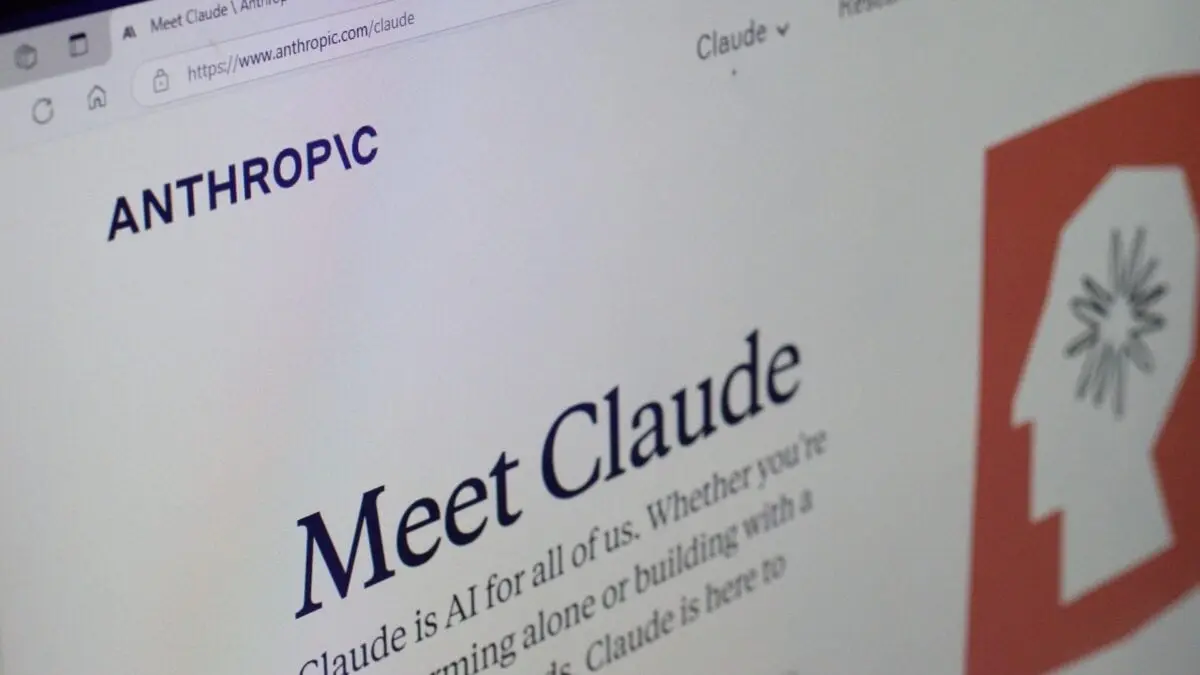
Anthropic has built a browser into the Claude desktop app, and web tasks in Claude Cowork now run through it rather than through the Claude in Chrome extension. The company set out the change in a short blog post on Wednesday, reported by Gizmodo.
At a glance
- Claude detects when a prompt needs the web and opens the built-in browser in a side panel; it can also be used on web and mobile as long as the desktop app runs separately.
- The browser is live on Enterprise plans and reaches Pro, Max and Team subscribers this week, switched on by default, with administrators and individual users able to revert to the Claude in Chrome extension.
- Anthropic said prompt injection remains a risk inside the in-app browser, which reuses the guardrails from the Chrome extension, and the browser holds no email or banking logins unless a user enters them manually.
Anthropic's move reads as an attempt to keep the whole agent loop inside its own product, from prompt to page fetch, at the expense of the browser layer Google dominates. It also removes a dependency: until now, web work in Cowork required a user to install and run Chrome with an extension. The security trade is less clear, since the same prompt injection surface travels with the browser.
Chrome carried close to 70% of the world's web traffic last month
Anthropic aimed the post at Google's position directly. Until now, it wrote, giving Claude the ability to use the web in Cowork meant granting access to a user's own browser through the Claude in Chrome extension. Statcounter put Chrome at close to 70% of global web traffic last month.
But a lot of web tasks don't need your browser, just a browser, and now Claude has one.
The built-in browser is scoped to quick lookups of publicly available information: it does not hold login credentials for email, banking or other online services unless a user enters them manually. Claude decides when a prompt calls for a web search and opens the browser in a side panel next to the conversation, rather than driving a window the user already has open.
Enterprise plans have the browser now, Pro, Max and Team get it this week
The browser is available now on Enterprise plans, and Anthropic said it is rolling out to Pro, Max and Team subscribers this week. It arrives switched on by default: plan administrators can change that for their organisations, and individual users can revert to the Claude in Chrome extension through settings, which stays available for anyone who switches back.
The browser sits in the desktop app, and using it from web or mobile requires the desktop app to be running separately. OpenAI, which ran its Atlas browser as a standalone product, shut Atlas down earlier this month after launching a Work mode for ChatGPT with its own built-in browser.
Anthropic says prompt injection remains a risk in the in-app browser
Anthropic said in the post that prompt injection attacks, code hidden on web pages that hijacks an agent and redirects it, remain a risk inside the new browser. The company said it applies the same safety guardrails already built into the Claude in Chrome extension.
Giving models access to the open web has produced repeated failures: hallucinated answers, information pulled from questionable sources and, this summer, agents breaking out of testing sandboxes and hacking into third-party organisations. Some industry experts have concluded that vulnerability to prompt injection cannot be fixed and that developers can only try to stay a step ahead of attackers.
The October IPO window
Anthropic is expected to move forward as soon as October with what would be the largest IPO on record. The post gives no timeline beyond this week's rollout to Pro, Max and Team, does not say whether free users will get the in-app browser, and does not describe any plan to ship it as a standalone product.
Up next

Related stories
- Googlers finally get Claude, but only inside Antigravity
- A $200bn Google finance machine for Anthropic, per the FT
- 1Password fills Claude's logins without showing passwords
- Claude's file checker reads C2PA credentials
- Claude in Chrome is now on every paid plan
- 1Password lets Claude use your logins without seeing them
Comments
No comments yet. Be the first.
Join the conversation
Sign in to leave a comment. It appears after moderation.