
FleetView: a browser-based dashboard for parallel Claude Code agents
FleetView displays multiple live terminals in a grid within a single browser window, with each pane running an instance of Claude Code. When an agent requires input or completes a task, its window highlights, plays a sound, and displays a chip on the top bar.
A local Node server at 127.0.0.1 spawns real shells via node-pty on macOS or Linux, while a single-page application renders them as an xterm.js grid. Alerts do not rely on text parsing: each shell is assigned a unique FLEET_PANE_ID, and Claude Code hooks notify the server which specific window requires attention.
Each terminal runs inside a dedicated tmux session, allowing agents to persist through server restarts and reconnect after sleep. The tool binds to the loopback interface by default without authentication, so Tailscale is recommended for remote access. It is released under the MIT license.
Up next
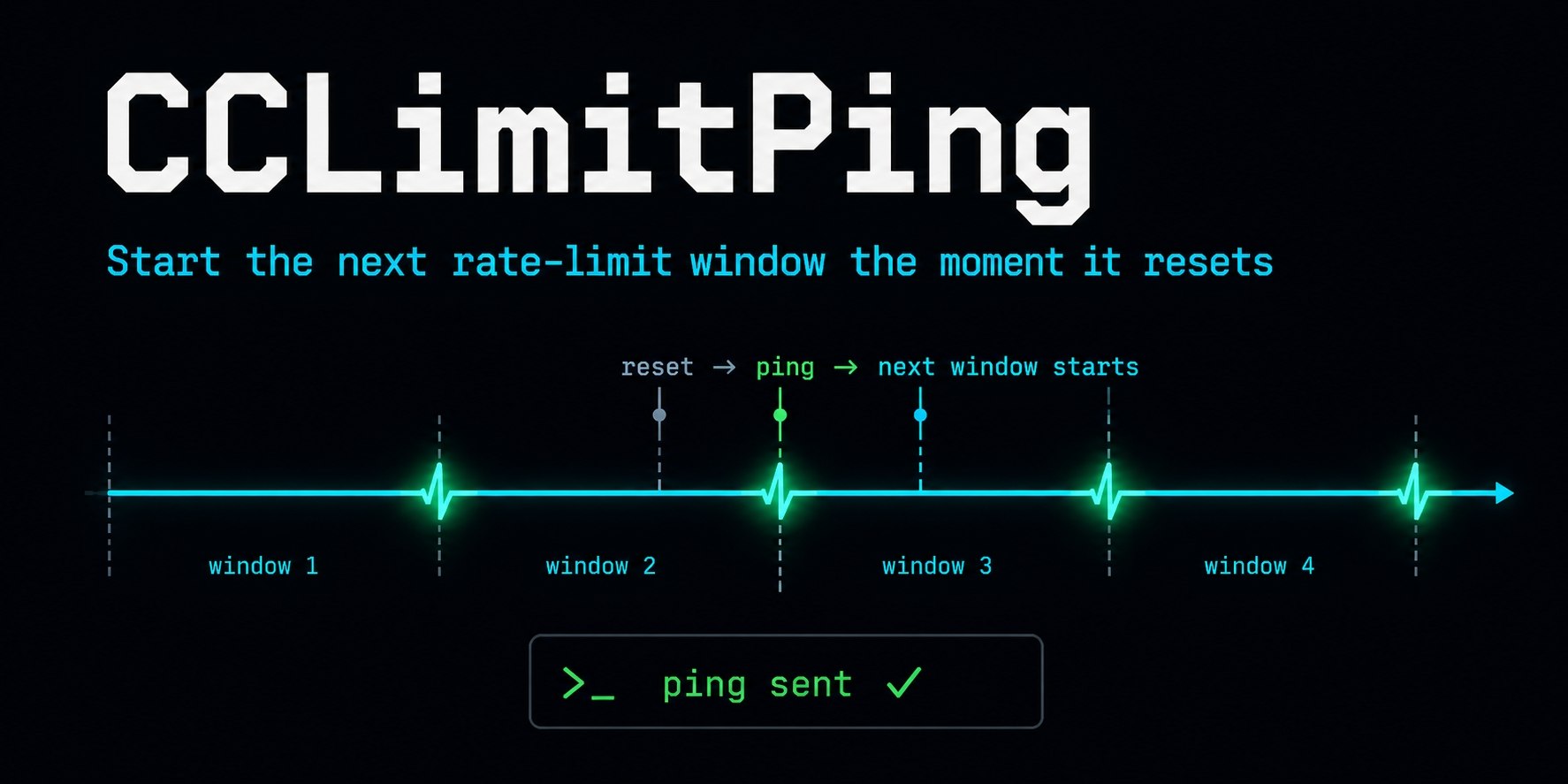
CCLimitPing automates the 5-hour Claude Code window
limitping sends a tiny request via the official CLI the moment your Claude Code limit resets, forcing the 5-hour window to start immediately. It uses Haiku to minimize costs, consuming about 33 requests per week. The continue command even auto-resumes your stalled tasks the second the limit clears.
Related stories
- agentpeek keeps Claude Code sessions alive after you close the laptop
- Makoto is a Claude Code plugin that blocks the agent’s false claims
- Drawbridge: visual editing for Claude Code in the browser
- Capacitor persists Claude Code and Cursor sessions to a shared store
- LoopFlow automates Claude Code with looping workflows
- Xcode 27 lets you export Agent Skills to third-party IDEs
Comments
No comments yet. Be the first.
Join the conversation
Sign in to leave a comment. It appears after moderation.